Summary
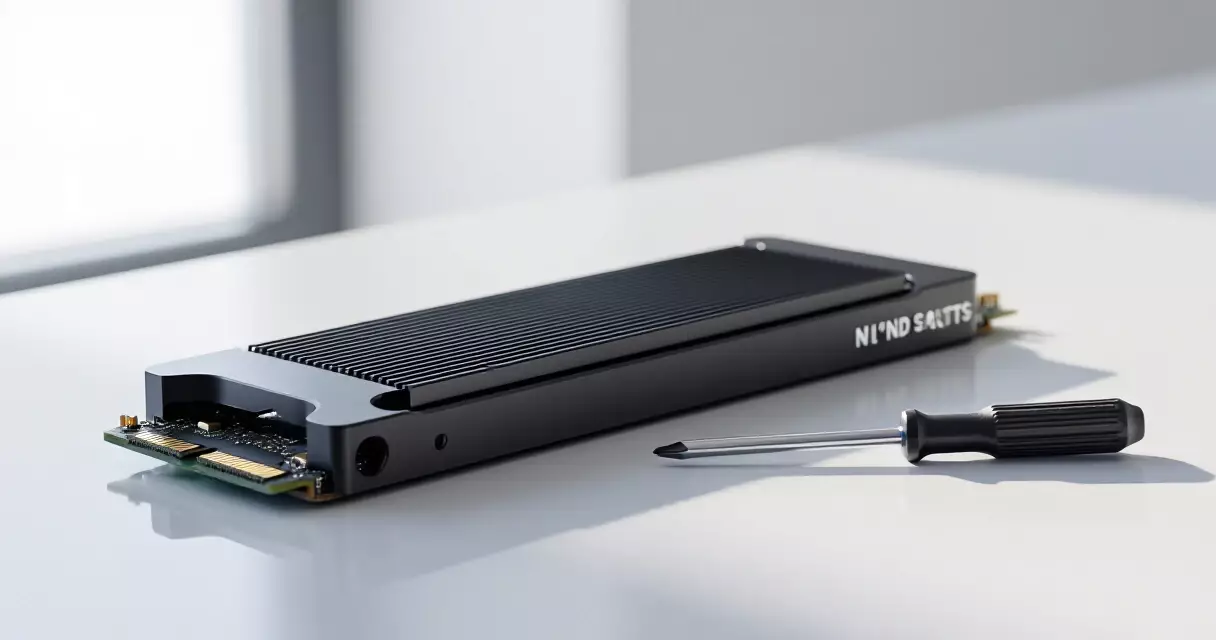
✓Reviewed by Laura Bennett If you're asking what is the best SSD upgrade for a PS5, the short answer is a PCIe Gen 4 M.2 NVMe drive with a heatsink and sequential read speeds of at least 5,500 MB/s —...
Table of contents
- 1 What the PS5 Actually Requires From an M.2 SSD
- 2 A Brief History of PS5 Storage Expansion
- 3 Best SSD Upgrade for a PS5: Top Picks in 2026
- 3.1 WD Black SN850X — Best Overall
- 3.2 Samsung 990 Pro — Best for Thermal Reliability
- 4 Do You Need a Heatsink, and Which Should You Choose?
- 5 1 TB vs 2 TB vs 4 TB: Which Capacity Should You Buy?
- 6 How to Install an M.2 SSD in a PS5 — Step-by-Step Overview
- 7 Does SSD Speed Actually Affect PS5 Gaming Performance?
- 8 Budget-Friendly Alternatives Worth Considering
- 9 Frequently Asked Questions
- 9.1 Will any M.2 SSD work in a PS5?
- 9.2 Is a heatsink required for a PS5 SSD upgrade?
- 9.3 Does installing an M.2 SSD void the PS5 warranty?
- 9.4 Can I use a PCIe Gen 5 SSD in a PS5?
- 9.5 What capacity SSD should I buy for my PS5?
- 9.6 Will a faster SSD improve PS5 frame rates?
- 10 Final Verdict: What Is the Best SSD Upgrade for a PS5?
- 11 Sources
If you’re asking what is the best SSD upgrade for a PS5, the short answer is a PCIe Gen 4 M.2 NVMe drive with a heatsink and sequential read speeds of at least 5,500 MB/s — the threshold Sony Interactive Entertainment specifies for full PS5 compatibility. As modern titles routinely exceed 100 GB each and the PS5’s built-in 825 GB drive leaves only around 667 GB of usable space after the system partition, running out of room is less a matter of if than when. The good news: installing an M.2 SSD has never been more affordable, and in August 2026 the 2 TB Gen 4 sweet spot sits comfortably under $130.
What the PS5 Actually Requires From an M.2 SSD
Before evaluating specific drives, it’s worth understanding the technical constraints Sony built into the PS5 expansion bay. The slot accepts M.2 Socket 3 (Key M) PCIe Gen 4 x4 NVMe drives only — PCIe Gen 3 drives will fit physically but operate below Sony’s recommended speed floor. According to PlayStation’s official M.2 SSD support page, compatible drives must support sequential read speeds of 5,500 MB/s or faster. Accepted form factors are 2230, 2242, 2260, 2280, and 22110 — with 2280 being by far the most common retail size. Heatsinks are required or strongly recommended: the bay has a maximum heatsink thickness of 8 mm on the front and 2.45 mm on the back of the drive.
Critically, PS5-native titles must run from internal storage — either the built-in drive or the M.2 expansion slot. External USB drives can store PS5 games but cannot run them directly; those games must be transferred back to an M.2 drive to launch. That distinction makes the M.2 upgrade the only practical path to genuinely expanding your PS5’s playable library.
A Brief History of PS5 Storage Expansion
When Sony launched the PS5 in November 2020, the M.2 expansion slot was present on every unit but deliberately disabled via firmware — the bay was sealed with a metal cover and the software to activate it hadn’t shipped yet. PlayStation’s support documentation confirms that Sony enabled M.2 storage expansion for all PS5 users through a system software update in September 2021. That update opened the floodgates: within months, dozens of PCIe Gen 4 NVMe drives had been independently tested for PS5 compatibility, and by 2023 a thriving market of PS5-specific heatsink bundles had formed. By mid-2026, Gen 4 2 TB drives have dropped significantly in street price while offering capacities that were prohibitively expensive at launch.
Best SSD Upgrade for a PS5: Top Picks in 2026
Finding the best SSD upgrade for a PS5 means balancing sustained sequential read performance, reliable thermals, price per gigabyte, and heatsink compatibility. Based on widely reported hands-on testing by outlets including Wirecutter and Tom’s Hardware, two drives have consistently topped 2026 recommendations: the WD Black SN850X and the Samsung 990 Pro. Both ship in heatsink-equipped variants designed to fit the PS5 bay without modification.
| Drive | Capacity | Seq. Read | Heatsink Included | Approx. Price (Aug 2026) |
|---|---|---|---|---|
| WD Black SN850X | 2 TB | 7,300 MB/s | Optional bundle | ~$130 |
| Samsung 990 Pro | 2 TB | 7,450 MB/s | Yes (with heatsink SKU) | ~$130 |
| Seagate FireCuda 530 | 2 TB | 7,300 MB/s | Optional heatsink SKU | ~$120 |
| Crucial T700 | 2 TB | 12,400 MB/s (Gen 5) | Yes (with heatsink SKU) | ~$160 |
| Kingston Fury Renegade | 2 TB | 7,300 MB/s | Optional heatsink SKU | ~$115 |
Price estimates are approximate street prices as of August 2026 and subject to change. Verify current pricing at retailers before purchase.
WD Black SN850X — Best Overall
The WD Black SN850X has held a top-two position in virtually every 2025–2026 PS5 SSD roundup. Its sequential read speed of approximately 7,300 MB/s far exceeds Sony’s 5,500 MB/s floor, and WD’s Game Mode 2.0 firmware is optimized to reduce latency during random read workloads — exactly the pattern console games produce when streaming open-world assets. The heatsink bundle version fits the PS5 bay cleanly within the 8 mm front-thickness limit. WD backs the drive with a five-year warranty.
Samsung 990 Pro — Best for Thermal Reliability
The Samsung 990 Pro with heatsink is the other consistent top recommendation. Samsung’s proprietary controller and V-NAND flash have a long track record for sustained performance — meaning the drive maintains its rated speeds across extended gaming sessions rather than throttling after the first few minutes. Sequential read speeds reach approximately 7,450 MB/s, and Samsung backs it with a five-year warranty and its Magician software suite for health monitoring. The integrated heatsink SKU is purpose-designed for console expansion bays.
Do You Need a Heatsink, and Which Should You Choose?
A heatsink is not just recommended — for sustained gaming workloads, it’s effectively mandatory. NVMe drives reach temperatures of 70°C or higher under continuous read/write load, and thermal throttling reduces both transfer speed and game loading consistency. Sony’s own installation guidance notes the PS5 does include a small cooling structure near the M.2 slot, but it is not a substitute for a drive-mounted heatsink on drives that run hot.
Your options fall into three categories: drives that ship with a purpose-built heatsink (Samsung 990 Pro heatsink SKU, Seagate FireCuda 530 heatsink edition), drives sold as bare drives where you add a compatible aftermarket heatsink, and drives with a thin integrated label-style heat spreader. For the PS5’s strict 8 mm front-thickness limit, confirm heatsink dimensions before buying a third-party option. Many enthusiast heatsinks designed for PC use exceed this clearance and will not fit with the PS5 faceplate reinstalled.
A Gen 4 NVMe drive with a properly fitted heatsink is the single most impactful hardware upgrade a PS5 owner can make — it effectively doubles usable storage and future-proofs the console for multi-year game libraries.
1 TB vs 2 TB vs 4 TB: Which Capacity Should You Buy?
Capacity choice matters more than the marginal speed difference between competing Gen 4 drives. Here’s a practical breakdown based on typical PS5 game install sizes and library habits:
- 1 TB: Sufficient for a small rotating library — roughly 10–15 large modern games. Good for budget buyers or those who regularly delete and reinstall titles.
- 2 TB: The recommended sweet spot. Combined with the PS5’s internal ~667 GB, you get approximately 2.7 TB total usable space — enough for 30–40 large games simultaneously without constant management. Price-per-GB is also optimal at this tier in 2026.
- 4 TB: Best for collectors or players with very large PS4-compatible libraries they want accessible on PS5. Per-GB cost is higher than 2 TB, though 4 TB Gen 4 options have become more attainable.
For most PS5 owners, 2 TB represents the best value. If you’re a heavy player who expects to keep several large open-world games installed simultaneously — think titles in the 100 GB+ range — the extra headroom of a 4 TB drive will eliminate ongoing storage management friction. Those planning to use the PS5 Pro’s enhanced performance features for PS4-compatible titles should factor in that PS4 game libraries also grow to occupy significant space. The PlayStation 5 Pro uses the same M.2 expansion standard, so drive compatibility is identical.
How to Install an M.2 SSD in a PS5 — Step-by-Step Overview
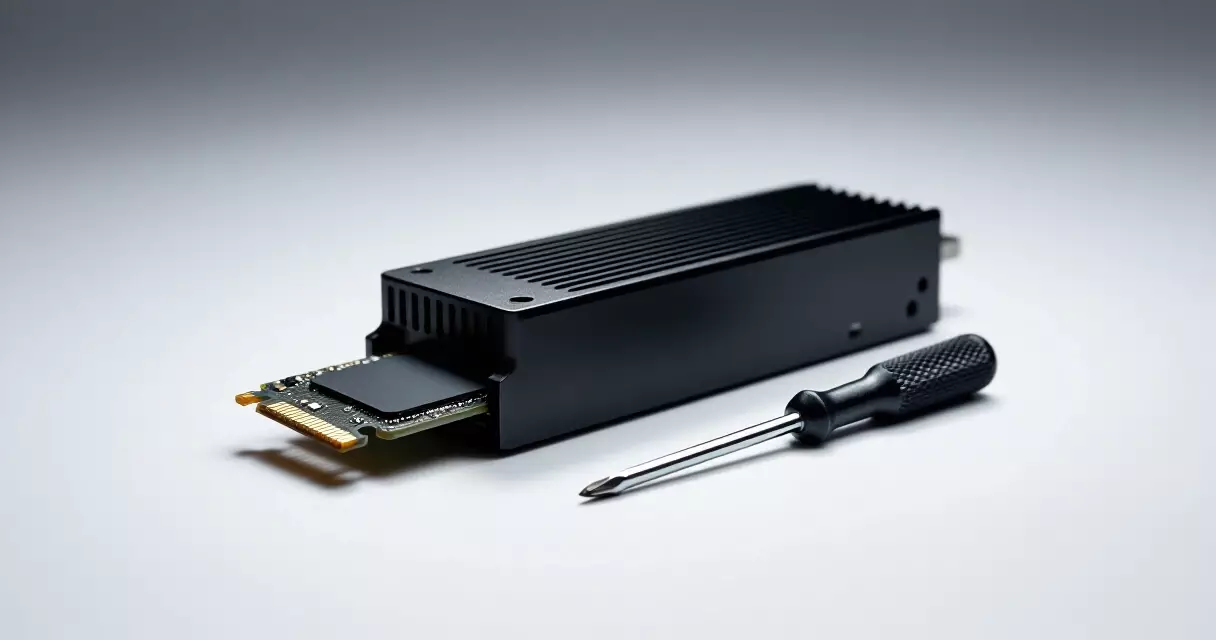
Sony’s installation process is straightforward and does not void the PS5 warranty — the M.2 slot is an officially supported expansion feature. The process, as outlined by PlayStation’s official installation guide, takes approximately 15–45 minutes depending on familiarity with the hardware:
- Power off the PS5 completely and disconnect all cables.
- Lay the console on a flat surface and remove the white side panel on the left (facing the front) to expose the expansion bay cover.
- Remove the M.2 expansion bay cover (one screw) and locate the spacer screw for your drive’s length (2280 is most common).
- Insert the M.2 SSD at approximately a 45-degree angle into the slot, press it flat, and secure with the spacer screw.
- Replace the expansion bay cover and side panel, reconnect cables, and power on.
- Navigate to Settings > Storage and select Format M.2 SSD Storage when prompted.
The PS5 formats the drive automatically on first detection. Games can then be downloaded directly to the M.2 drive or transferred from the internal drive in the Storage settings menu.
Does SSD Speed Actually Affect PS5 Gaming Performance?
This is one of the most-asked questions about PS5 SSD upgrades, and the honest answer is nuanced. All qualifying Gen 4 drives exceed Sony’s 5,500 MB/s threshold, which means in real-world PS5 gameplay — loading screens, asset streaming, fast travel — the difference between a 6,500 MB/s drive and a 7,400 MB/s drive is effectively imperceptible. The PS5’s custom I/O complex and SSD controller are optimized for the console’s internal drive speed; third-party drives at similar or higher speeds deliver comparable real-world results.
Frame rates are not affected by SSD speed — the GPU and CPU determine frame rate, not storage throughput. Where storage speed does matter is in seamless open-world streaming (reducing pop-in) and in PS5’s signature fast load times. Any qualifying Gen 4 drive will preserve those fast load characteristics. Spending significantly more to chase a speed figure 2,000 MB/s higher than the PS5 threshold delivers no measurable gaming benefit.
Beyond the 5,500 MB/s floor, additional raw speed buys almost nothing for PS5 gaming — capacity, reliability, and thermal management matter far more than chasing the highest sequential read number.
Budget-Friendly Alternatives Worth Considering
Not every buyer needs or wants a flagship drive. Several mid-range options deliver full PS5 compatibility at lower prices. The Seagate FireCuda 530 and Kingston Fury Renegade both clear the 5,500 MB/s threshold comfortably (rated at approximately 7,300 MB/s sequential read) and are regularly available at a modest discount versus the Samsung and WD flagship options. The Crucial P3 Plus, while Gen 4, is typically rated closer to 5,000 MB/s — just below Sony’s recommended floor — and is generally not advised for PS5 use.
When comparing the PS5 storage situation with other platforms, it’s worth noting the broader console landscape. The Nintendo Switch vs Steam Deck comparison illustrates how different platforms handle storage expansion differently, with the Steam Deck using a microSD approach while the Switch 2 uses proprietary game cards — making the PS5’s open M.2 standard a genuine advantage for enthusiasts who want performance-grade expansion.
| Drive | Seq. Read Rating | PS5 Compatible? | Notes |
|---|---|---|---|
| WD Black SN850X 2 TB | ~7,300 MB/s | Yes | Top overall pick, Game Mode 2.0 |
| Samsung 990 Pro 2 TB (w/ heatsink) | ~7,450 MB/s | Yes | Best thermal reliability |
| Seagate FireCuda 530 2 TB | ~7,300 MB/s | Yes | Strong budget-to-premium option |
| Kingston Fury Renegade 2 TB | ~7,300 MB/s | Yes | Often lowest price at this tier |
| Crucial P3 Plus 2 TB | ~5,000 MB/s | Marginal | Below Sony’s recommended floor |
Frequently Asked Questions
Will any M.2 SSD work in a PS5?
No. The PS5 accepts only M.2 NVMe PCIe Gen 4 drives in the Key M configuration. PCIe Gen 3 drives will not meet Sony’s recommended 5,500 MB/s sequential read speed, and SATA M.2 drives are not compatible at all. Always verify the drive is Gen 4 NVMe before purchasing.
Is a heatsink required for a PS5 SSD upgrade?
Sony’s official guidance says a heatsink is “recommended” rather than mandatory, but in practice it is strongly advisable. Without a heatsink, high-sustained-load gaming sessions can cause the drive to throttle, reducing speeds and potentially shortening the drive’s lifespan. The PS5 bay has limited airflow, making thermal management important. Many top drives now ship with a compatible heatsink included.
Does installing an M.2 SSD void the PS5 warranty?
No. Sony officially supports M.2 SSD installation as a user-accessible upgrade and provides step-by-step installation guidance on the PlayStation support site. Installing a compatible M.2 SSD does not void the PS5’s manufacturer warranty.
Can I use a PCIe Gen 5 SSD in a PS5?
Gen 5 drives are physically and electrically backward compatible with Gen 4 slots, so they will work in a PS5 — but the console’s M.2 slot operates at Gen 4 speeds, so the drive will be capped at Gen 4 performance regardless. Given that Gen 5 drives carry a significant price premium, they offer no benefit over a quality Gen 4 drive for PS5 use.
What capacity SSD should I buy for my PS5?
2 TB is the recommended capacity for most PS5 owners in 2026. It offers the best price-per-gigabyte at this tier, and combined with the console’s built-in ~667 GB, gives you approximately 2.7 TB of total usable storage — enough for a large simultaneous game library. 1 TB suits budget buyers with smaller rotating libraries; 4 TB suits collectors or those with extensive PS4 back-catalogs.
Will a faster SSD improve PS5 frame rates?
No. Frame rates on PS5 are determined by the GPU and CPU, not storage speed. A faster SSD can reduce load screen times and improve open-world asset streaming consistency, but it will not increase frames per second in gameplay. Any qualifying Gen 4 drive meeting Sony’s 5,500 MB/s threshold will deliver the same gaming performance as a faster (and more expensive) drive.
Final Verdict: What Is the Best SSD Upgrade for a PS5?
If you’re ready to answer the question of what is the best SSD upgrade for a PS5 with a specific purchase, choose between the WD Black SN850X 2 TB and the Samsung 990 Pro 2 TB with heatsink — both at approximately $130 in August 2026, both clearing Sony’s compatibility requirements comfortably, and both backed by five-year warranties. For the tightest budget, the Kingston Fury Renegade 2 TB offers comparable performance at a slightly lower street price. Avoid any drive rated below 5,500 MB/s sequential read, and confirm your chosen drive’s heatsink fits within the PS5’s 8 mm front-clearance limit before installing. Beyond those criteria, the marginal performance differences between top-tier Gen 4 drives are immaterial for gaming — capacity, thermal management, and warranty support are the differentiators that matter for long-term satisfaction.
Storage expansion is just one piece of the PS5 ownership puzzle. If you’re weighing whether to invest in a PS5 Pro alongside the SSD upgrade, the PlayStation 5 Pro 2026 review covers whether the mid-gen upgrade justifies the additional cost alongside a storage investment.
Sources
- PlayStation Official M.2 SSD Storage Support Page — retrieved August 10, 2026
- Wirecutter (NYT): The Best SSDs of 2026 — retrieved August 10, 2026