Summary
✓Reviewed by Laura Bennett Understanding how does cloud gaming work is essential for any gamer in 2026 considering whether to drop hardware costs or simply play on a phone. Cloud gaming runs your game entirely on a powerful remote server...
Table of contents
- 1 What Is Cloud Gaming? A Direct Answer
- 2 A Brief History of How Cloud Gaming Evolved
- 3 How Does Cloud Gaming Work Step by Step
- 3.1 The Role of Latency
- 3.2 Video Codecs and Bitrate
- 4 Internet Requirements: What You Actually Need
- 5 What Hardware Do You Need for Cloud Gaming?
- 6 How Does Cloud Gaming Work on Mobile Devices?
- 7 Cloud Gaming vs. Local Gaming: A Direct Comparison
- 8 The Environmental Impact of Cloud Gaming
- 9 Limitations of Cloud Gaming in 2026
- 10 Frequently Asked Questions About Cloud Gaming
- 10.1 Do you need a gaming PC or console for cloud gaming?
- 10.2 How much internet speed do you need for cloud gaming?
- 10.3 Is cloud gaming the same as game streaming on Twitch?
- 10.4 What causes input lag in cloud gaming?
- 10.5 Can you play cloud games offline?
- 10.6 Is cloud gaming good for competitive multiplayer?
- 11 Sources
Understanding how does cloud gaming work is essential for any gamer in 2026 considering whether to drop hardware costs or simply play on a phone. Cloud gaming runs your game entirely on a powerful remote server and streams the rendered video back to your screen in real time — your device handles almost nothing beyond input and display. According to a University of Washington survey on cloud gaming architecture, computationally complex games execute on powerful cloud servers, rendered scenes stream over the internet to thin clients on heterogeneous devices, and control events travel from input devices back to the server in a continuous loop.
What Is Cloud Gaming? A Direct Answer
Cloud gaming — sometimes called game streaming or gaming on demand — is a model where the game’s CPU and GPU workload runs on remote servers inside data centers. Your device receives a compressed video stream, displays it, and sends your controller, keyboard, or mouse inputs back to the server. As Wikipedia’s cloud gaming entry defines it: cloud gaming runs video games on remote servers and streams the game’s output (video, sound, etc.) directly to a user’s device. The user’s screen becomes a display terminal; the data center becomes the console.
This architecture means you can, in principle, play a graphically demanding title on a budget laptop, a smart TV, or a smartphone — provided your internet connection is fast and stable enough. Services like NVIDIA GeForce NOW, Xbox Cloud Gaming (part of Game Pass Ultimate), and PlayStation Cloud Streaming currently operate this way, pairing data-center GPU hardware with a subscriber-facing streaming layer.
A Brief History of How Cloud Gaming Evolved
Cloud gaming is not a new idea. Early experiments date to the late 2000s: OnLive launched its streaming service in 2010, and Gaikai (later acquired by Sony to power PlayStation Now) followed shortly after. Both proved the concept was technically possible but struggled with the internet infrastructure of the era. By 2015, improved data-center availability and faster broadband in U.S. cities made latency targets more achievable. The current generation of services — GeForce NOW (launched 2020), Xbox Cloud Gaming (2020), and Amazon Luna (2021) — arrived when both fiber penetration and cloud computing costs had matured enough for commercial viability. As of August 2026, the debate has shifted from “can it work at all?” to “is the quality-of-experience good enough for competitive play?”
How Does Cloud Gaming Work Step by Step
The input-render-stream loop is the heart of how cloud gaming works. Here is what happens every time you press a button:
- Input capture: Your device captures a controller stick move, a mouse click, or a keyboard press and packages it as a small data packet.
- Transmission to server: That packet travels over the internet to the nearest data center, typically via UDP for low latency.
- Game execution: The server runs the game engine, processes your input, advances the game state, and renders the resulting frame using a high-end GPU (typically an NVIDIA A100 or equivalent data-center card).
- Encoding: The rendered frame is compressed — usually with H.264, H.265/HEVC, or AV1 — at extremely low latency, often within 1–2 milliseconds at the encoder level.
- Streaming to your device: The compressed frame stream travels back to your device over the internet.
- Decoding and display: Your device decodes the stream (hardware decode on a phone or TV chip is common) and displays the frame on screen.
The entire round trip — input out, frame back — must happen fast enough that you do not perceive lag. As the USC Illumin review of cloud gaming explains, the game checks for inputs from your controller, keyboard, or mouse and streams back the resulting frames. This cycle repeats at whatever frame rate the service targets — 30, 60, or in premium tiers, 120 frames per second.
The Role of Latency
Latency is the single biggest constraint in cloud gaming. The University of Washington survey cited above treats round-trip delay as the key technical variable — every millisecond added by network distance, encoding time, or decoding time degrades the experience. Most services target an end-to-end latency under 100 ms for casual play and under 60 ms for competitive titles. Physical distance from a data center directly raises latency, which is why providers like NVIDIA and Microsoft continue expanding their regional server footprints across U.S. cities.
Video Codecs and Bitrate
The codec choice determines how much bandwidth is consumed and how much visual quality is preserved. H.264 (AVC) is widely supported on consumer devices and is the baseline for most services. H.265 (HEVC) reduces bandwidth by roughly 40–50% at equivalent quality but requires hardware decode support. AV1 — the open, royalty-free codec developed by the Alliance for Open Media — offers comparable or better efficiency to HEVC and is increasingly adopted by cloud gaming platforms in 2025-2026. At 1080p/60fps, most services recommend 15–25 Mbps sustained bandwidth; at 4K/60fps, estimates rise to 35–50 Mbps or higher, depending on scene complexity.
Internet Requirements: What You Actually Need
Understanding how cloud gaming works in practice means knowing what your home network must deliver. Here is a comparison of current service requirements as of mid-2026, based on each platform’s published specifications:
| Service | Min. Speed (720p) | Recommended (1080p/60fps) | 4K Requirement | Subscription |
|---|---|---|---|---|
| NVIDIA GeForce NOW (Ultimate) | 15 Mbps | 25 Mbps | 35 Mbps | ~$19.99/mo |
| Xbox Cloud Gaming (Game Pass Ultimate) | 10 Mbps | 20 Mbps | Not currently offered | ~$19.99/mo |
| Amazon Luna+ | 10 Mbps | 20 Mbps | 35 Mbps | ~$9.99/mo |
| PlayStation Cloud Streaming | 5 Mbps | 15 Mbps | Limited availability | Included in PS Plus Premium |
Speeds above are based on each platform’s published recommended connection requirements as of August 2026. Actual performance varies by network congestion and server proximity.
Stability matters as much as raw speed. A 50 Mbps connection with frequent packet loss will perform worse than a 20 Mbps fiber line with consistent delivery. Most services recommend a wired Ethernet connection over Wi-Fi wherever possible, since Wi-Fi introduces variable latency that accumulates badly in the input-return loop. If you are curious about how the Steam Deck OLED handles cloud gaming over Wi-Fi on the go, the Steam Deck OLED long-term review at The Play Journal covers real-world network performance in detail.
What Hardware Do You Need for Cloud Gaming?
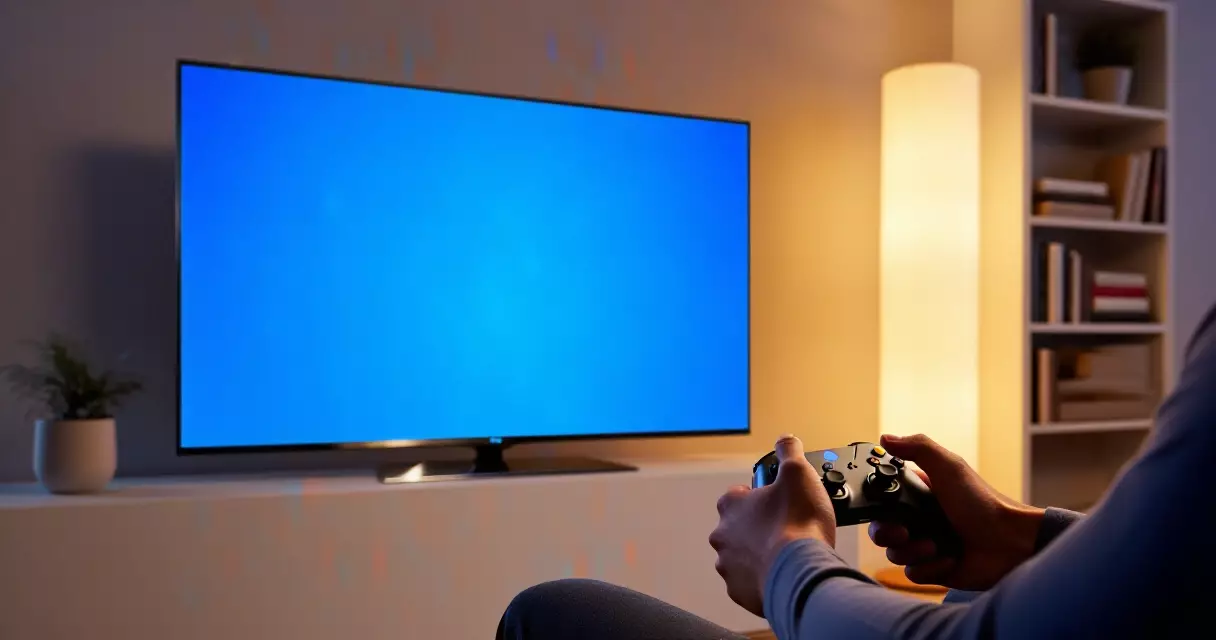
This is where cloud gaming’s value proposition becomes clear: you need almost nothing on your end. Any device that can run a browser or install an app is potentially a cloud gaming client. Practical options in 2026 include:
- Smart TVs — Samsung and LG smart TVs support Xbox Cloud Gaming and GeForce NOW via built-in apps. No console required.
- Android and iOS phones and tablets — Microsoft’s Xbox Cloud Gaming app runs on iOS (via browser or app) and Android natively, as does GeForce NOW.
- Low-spec PCs and Chromebooks — a Chromebook with a stable Wi-Fi connection can run cloud games that would be unplayable locally.
- Streaming sticks — Amazon Fire TV Stick 4K Max supports Luna natively; some Roku models support GeForce NOW.
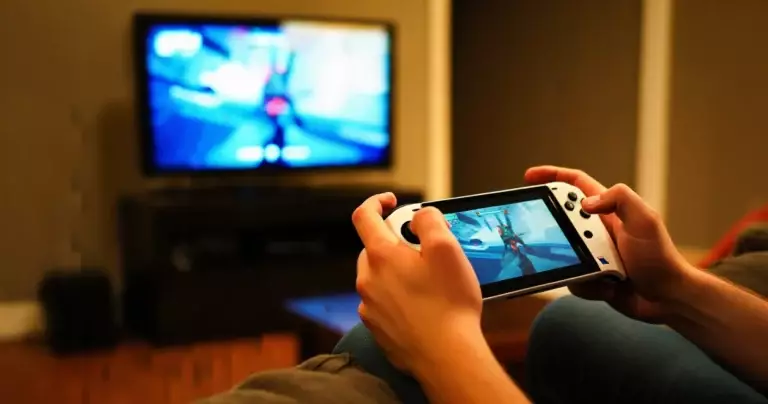
- Gaming handhelds — the Steam Deck, Nintendo Switch 2, and similar devices can access cloud gaming services alongside local play.
The true disruption of cloud gaming is not performance — it is access. A $200 smart TV and a fiber connection can now run the same game as a $700 gaming PC.
How Does Cloud Gaming Work on Mobile Devices?
Mobile is one of the fastest-growing access points for cloud gaming, and the underlying technology is identical to the living-room experience. The same H.265 or AV1 stream is decoded by the phone’s media-processing chip and displayed on the OLED panel. The main differences are practical: smaller screens reduce the perceptibility of compression artifacts, touch controls are possible but awkward for most titles, and mobile data connections — even 5G — introduce more variable latency than home broadband.
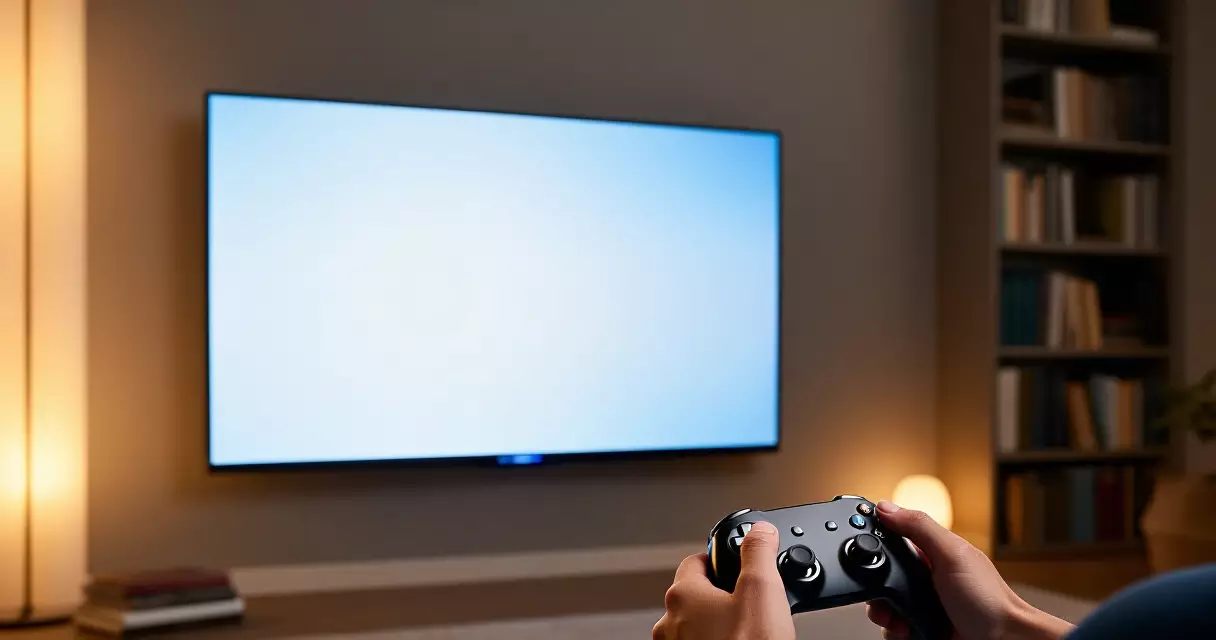
For mobile-focused cloud gaming, a Bluetooth controller like the Xbox Wireless Controller or Razer Kishi V2 paired with a phone delivers a much closer experience to console play. Services like Xbox Cloud Gaming explicitly support touch overlays for select titles, but serious players in 2026 still prefer physical controllers.
Cloud Gaming vs. Local Gaming: A Direct Comparison
Knowing how cloud gaming works helps clarify exactly where it wins and where it loses against local hardware. Here is a direct comparison:
| Factor | Cloud Gaming | Local Gaming (Console/PC) |
|---|---|---|
| Upfront hardware cost | None (device you own + subscription) | $300 – $700+ for console; $800 – $2,500+ for gaming PC |
| Ongoing cost | $10 – $20/mo subscription | Game purchases only (hardware amortized) |
| Input latency | 40 – 100+ ms total round-trip | 1 – 10 ms (GPU to display) |
| Visual quality ceiling | Compression artifacts visible at high motion | Lossless, limited by GPU and display only |
| Device flexibility | Any screen with internet | Tied to one device |
| Game ownership | Access ends with subscription | Owned (physical or digital license) |
| Internet dependency | Always required | Not required for single-player |
For a deeper look at whether a gaming PC or console is the right choice for your situation, the guide to optimizing gaming laptop performance on The Play Journal walks through local hardware trade-offs in detail.
The Environmental Impact of Cloud Gaming
One often-overlooked dimension of understanding how cloud gaming works is its environmental footprint. When computation moves to data centers, energy use becomes a data-center concern rather than a consumer-device concern. Researchers at Lawrence Berkeley National Laboratory’s Green Gaming project are actively studying cloud gaming’s energy and infrastructure implications, noting that centralizing game compute raises questions about power consumption and carbon intensity that differ from the distributed model of local gaming.
The energy math is nuanced. A data center can run a single GPU across multiple simultaneous sessions more efficiently than each user running separate consumer GPUs at home, but data centers also draw power continuously and require cooling infrastructure. Whether cloud gaming is net-positive or net-negative for emissions depends heavily on the electricity grid mix powering the data center — renewable-powered facilities in the Pacific Northwest, for example, have a very different profile from coal-heavy grids elsewhere.
Cloud gaming shifts the environmental question from the living room to the data center — and the answer depends almost entirely on where that data center gets its power.
Limitations of Cloud Gaming in 2026
No technology guide is complete without an honest assessment of what cloud gaming does not do well. These are the real constraints as of August 2026:
- Rural and underserved areas: Cloud gaming requires a consistent, low-latency broadband connection. Large parts of rural America still lack the fiber or cable infrastructure needed, making cloud gaming effectively unavailable there.
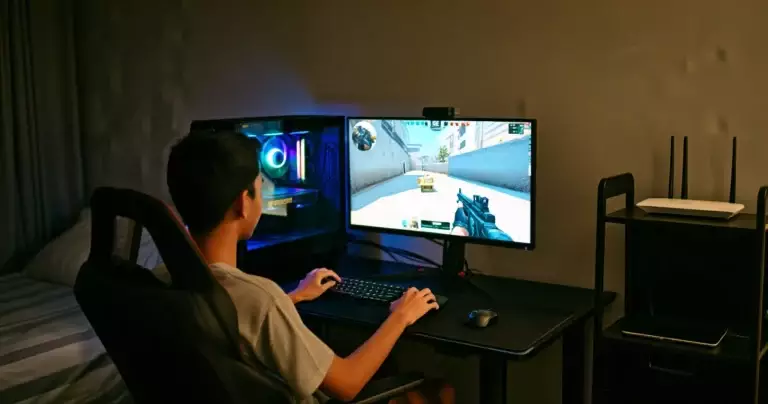
- Competitive multiplayer: Professional and high-skill players in titles like Valorant, Counter-Strike 2, or Apex Legends typically reject cloud gaming because even a 40 ms round-trip latency is competitive disadvantage. Local hardware remains the standard for ranked play.
- Game library gaps: Not every title is available on every cloud service. NVIDIA GeForce NOW requires the game to be in your existing Steam or Epic library; Xbox Cloud Gaming is limited to Game Pass titles. Ownership and access are not the same thing.
- Data caps: At 25 Mbps sustained, a four-hour cloud gaming session consumes roughly 45 GB of data — a serious concern for users on ISP data caps.
- Service continuity: Cloud gaming services can be discontinued. If a provider shuts down, your access ends immediately, unlike a locally installed game.
These limitations do not undermine cloud gaming’s value — they define which users it serves best. Casual players, households without a dedicated gaming PC, travelers, and anyone wanting to try a game before buying hardware benefit most. Competitive or offline-first players are better served by local hardware, and the Nintendo Switch 2 launch lineup demonstrates that dedicated handheld hardware remains a compelling choice for players who want local execution and portability together.
Frequently Asked Questions About Cloud Gaming
Do you need a gaming PC or console for cloud gaming?
No. Cloud gaming is specifically designed to eliminate that requirement. Your device — phone, tablet, smart TV, low-spec laptop, or streaming stick — handles only input and video display. All the actual game processing happens on the provider’s servers. A modern mid-range Android phone or a smart TV is sufficient hardware for most cloud gaming services in 2026.
How much internet speed do you need for cloud gaming?
Most services recommend at least 10 Mbps for 720p and 15–25 Mbps for 1080p at 60fps. For 4K streaming on platforms that support it, plan for 35 Mbps or higher. Equally important is low latency: a connection with less than 30 ms ping to the nearest data center will feel noticeably better than one with 80+ ms, even at the same download speed. A wired Ethernet connection is always preferable to Wi-Fi when available.
Is cloud gaming the same as game streaming on Twitch?
No — these are different activities. Twitch game streaming means broadcasting your locally-run game session to viewers. Cloud gaming means the game itself runs on a remote server and you are the player, not the broadcaster. The word “streaming” is used in both contexts but describes opposite directions of video flow: Twitch sends your local output out; cloud gaming sends a remote server’s output to you.
What causes input lag in cloud gaming?
Input lag accumulates across every step in the loop: the time your input travels to the server, the time the server processes the game frame, encoding time, transmission time back to your device, and decoding time. Network distance (geographic proximity to a data center) is the biggest variable. Encoding and decoding add roughly 5–15 ms combined on modern hardware. The total round-trip for a well-positioned player on a fiber connection typically sits between 40 and 70 ms — perceptible but acceptable for most game genres.
Can you play cloud games offline?
No. Cloud gaming requires a continuous internet connection by definition. If your connection drops, the game session ends. There is no local fallback — the game files are never on your device. This is one of the clearest structural differences between cloud gaming and downloading a game to a console or PC, where single-player titles are playable without internet.
Is cloud gaming good for competitive multiplayer?
Generally no, at a high skill level. Cloud gaming adds a baseline latency of 40–100+ ms on top of the game server’s own network latency, which is unacceptable in twitchy competitive titles where milliseconds of reaction time determine outcomes. For casual multiplayer, co-op, and single-player games — which represent the majority of gaming time for most players — the lag is manageable and often unnoticeable. Competitive esports players reliably use local hardware with wired connections and low-latency monitors.
Sources
- A Survey on Cloud Gaming: Future of Computer Games — University of Washington — retrieved August 11, 2026
- Cloud gaming — Wikipedia — retrieved August 11, 2026
- Cloud Gaming — United States Market Forecast — Statista — retrieved August 11, 2026
- Cloud gaming — statistics and facts — Statista — retrieved August 11, 2026
- Cloud Gaming — Green Gaming Project — Lawrence Berkeley National Laboratory — retrieved August 11, 2026
- Cloud Gaming: A Viable Alternative or a Cloudy Future? — USC Illumin — retrieved August 11, 2026
- United States Cloud Gaming Market Size and Share — Mordor Intelligence — retrieved August 11, 2026