Summary
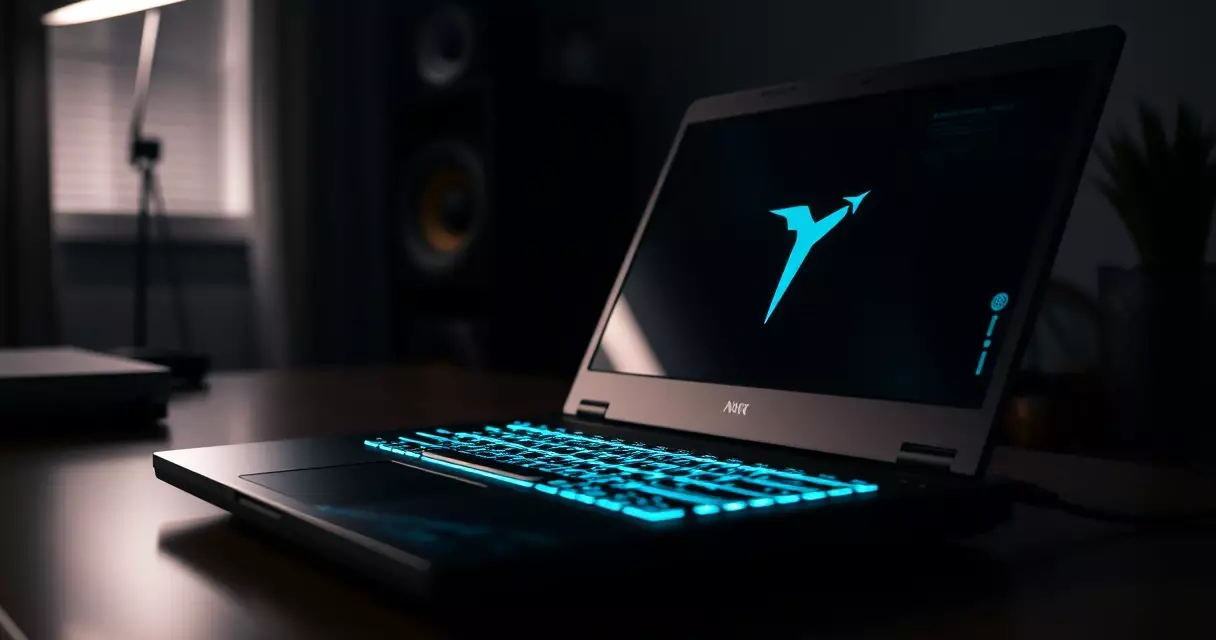
When Dell shipped the Alienware m15 R7 in 2022, it packed a 14-core Intel Core i9 processor and a screen option that refreshed up to 360 times every second into a shell light enough to slide into a backpack. That...
Table of contents
- 1 A Short History of the Alienware m15
- 2 Design and Build Quality
- 3 Alienware m15 Specifications at a Glance
- 4 Gaming and Creative Performance
- 5 Display, Keyboard, and Daily Use
- 6 Thermals, Noise, and Battery Life
- 7 Pricing, Configurations, and Value
- 8 How the Alienware m15 Compares
- 9 Who Should Buy the Alienware m15
- 10 Frequently Asked Questions
- 10.1 Is the Alienware m15 still worth buying in 2026?
- 10.2 What is the difference between the m15 and the m15 Ryzen Edition?
- 10.3 Can you upgrade the RAM and storage in the Alienware m15?
- 10.4 Does the Alienware m15 run hot?
- 10.5 How long does the Alienware m15 battery last?
- 10.6 Is the Cherry MX keyboard worth it?
- 10.7 How does the m15 compare to the ASUS ROG Strix and MSI Raider?
- 11 Related Reading
- 12 Sources
- 12.1 Further reading
- 12.2 Further reading
When Dell shipped the Alienware m15 R7 in 2022, it packed a 14-core Intel Core i9 processor and a screen option that refreshed up to 360 times every second into a shell light enough to slide into a backpack. That single pairing, near desktop-class silicon wrapped in a travel-friendly chassis, is why the m15 became one of the most talked-about gaming laptops of its generation, and why buyers in 2026 still hunt for a straight read on whether it holds up.
This Alienware m15 review breaks down what the machine actually delivers: the hardware inside, how it handles modern games and creative work, how warm and loud it runs, and whether the price ever made sense against its rivals. Each number below sits next to the source that backs it, so you can verify any claim rather than take it on faith.
Weighing the m15 against a newer machine or shopping it secondhand? The strengths and compromises laid out here should make the call easier.
A Short History of the Alienware m15
Alienware began in 1996 as an independent boutique builder of high-end gaming PCs, and Dell acquired the company in 2006 according to Wikipedia’s Alienware entry. For more than a decade afterward, the brand stood for big, heavy desktop-replacement laptops. The m15 changed that posture when it arrived in 2018 as a deliberately thinner alternative to the flagship Area-51m, aimed at players who wanted serious frame rates without lugging a six-pound brick.
Dell refreshed the line almost yearly. The R1 launched the slim concept, later revisions adopted the angular "Legend" design language in 2019 and 2020, and the series eventually split into Intel and AMD tracks with the m15 Ryzen Edition. By the time the m15 R7 shipped, the laptop had matured into a polished product with mechanical keyboard options and a redesigned cooling system, representing the final and most refined chapter of the m15 story before Alienware folded the size into its renamed x-series and m-series lineup.
Understanding that lineage matters because a used m15 could be any of seven generations. This review centers on the R7, the most capable and most widely available version, while noting where earlier models differ.
Design and Build Quality
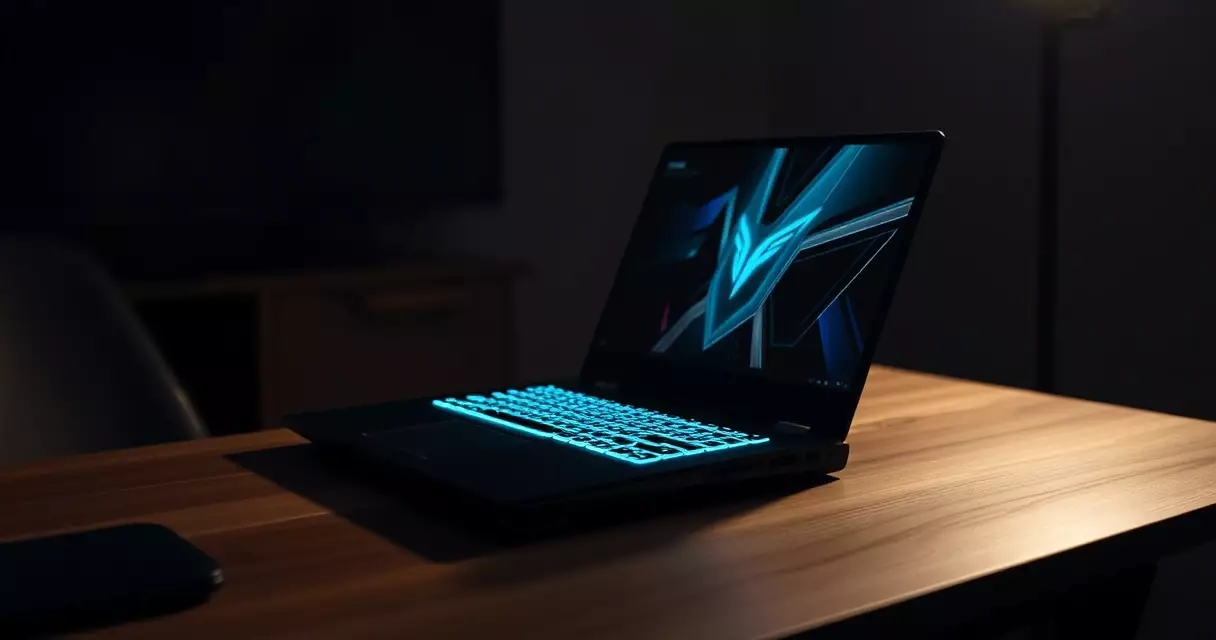
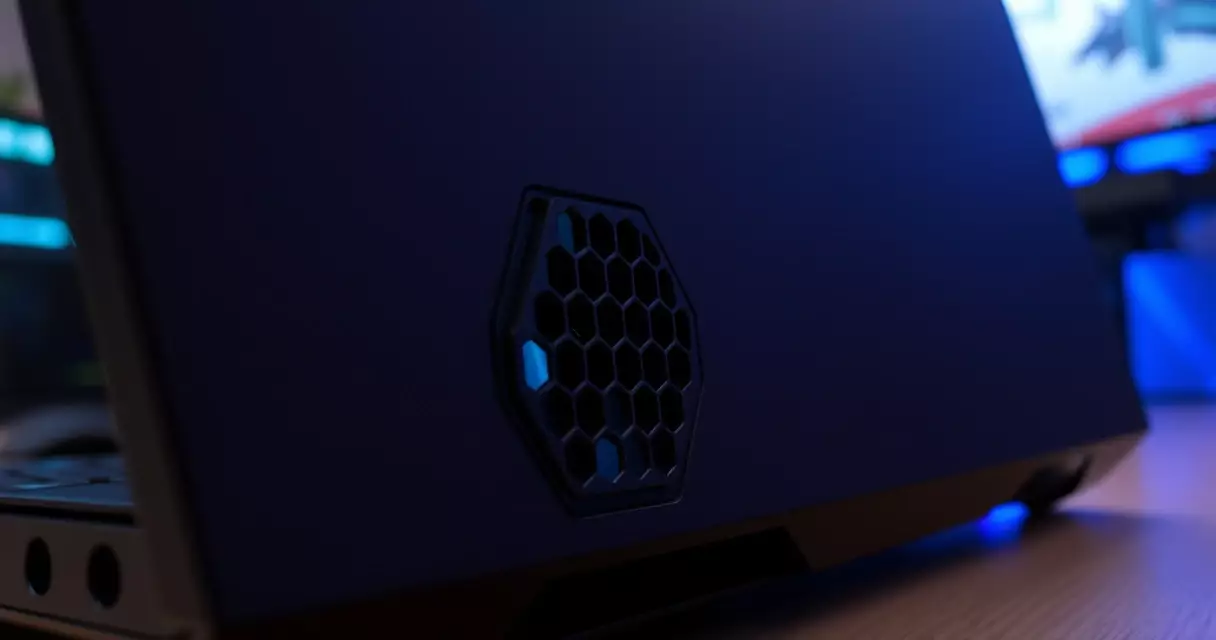
The m15 R7 carries Alienware’s Legend 2.0 look: a rounded rear "thermal shelf" that pushes the exhaust vents behind the hinge, a honeycomb pattern stamped into that shelf, and a ring of RGB lighting that wraps the back edge. Dell offered it in two finishes, the pale Lunar Light and the darker Dark Side of the Moon. Both use a magnesium-alloy and aluminum construction that keeps flex low across the keyboard deck and lid.
Portability was always the m15’s pitch, and the numbers support it. The chassis measures roughly 22.85 mm at its thickest and starts near 2.42 kg, about 5.34 lb, depending on configuration. That is heavier than a thin-and-light productivity laptop, yet noticeably more manageable than the 17-inch desktop replacements Alienware also sold. The footprint stays compact because the screen carries slim side bezels, though the chin below the display remains chunky to house antennas and the thermal shelf eats into desk depth.
Small frustrations exist. The rear-mounted ports mean you reach behind the laptop to plug in power and video, and the glossy lid on the lighter finish picks up fingerprints quickly. Build integrity, however, feels appropriate for the price tier, with a sturdy hinge and a deck that does not creak under typing pressure.
Alienware m15 Specifications at a Glance
| Component | Detail (top configuration) |
|---|---|
| Display | 15.6 inch, FHD 360Hz or QHD 240Hz, 3ms response |
| Processor | Up to Intel Core i9-12900H, 14 cores |
| Graphics | Up to NVIDIA GeForce RTX 3070 Ti Laptop, 8GB GDDR6 |
| Memory | Up to 32GB DDR5-4800, dual SO-DIMM |
| Storage | Up to 2TB NVMe SSD, dual M.2 slots |
| Keyboard | Optional Cherry MX ultra-low-profile mechanical |
| Cooling | Alienware Cryo-Tech, dual fans |
| Battery | Up to 86Wh |
| Ports | Thunderbolt 4, HDMI 2.1, USB Type-A, headset jack |
| Weight | From about 2.42 kg, 5.34 lb |
| Operating system | Windows 11 |
Gaming and Creative Performance
Performance is the reason this laptop exists, and the components do the heavy lifting. At the top sits the Intel Core i9-12900H, which Intel’s Alder Lake design splits into six performance cores and eight efficiency cores for 14 cores and 20 threads total, reaching up to 5.0 GHz per Wikipedia’s Alder Lake overview. That hybrid layout lets the chip throw its big cores at a game while the smaller cores soak up background tasks, which keeps frame pacing steadier during streaming or recording.
Graphics come from up to an NVIDIA GeForce RTX 3070 Ti Laptop GPU, a chip built around 5,888 CUDA cores and 8GB of GDDR6 memory according to Wikipedia’s GeForce 30 series page. In practice that is enough to push most 2022-era AAA titles past 100 frames per second at 1080p with high settings, and to drive the QHD panel comfortably in esports games. Ray tracing remains the soft spot: switching on heavy ray-traced effects at native QHD drags the GPU down, so DLSS upscaling becomes essential rather than optional for the most demanding scenes.
Memory speed helps too. The R7 moved to DDR5, which starts at 4800 MT/s and roughly doubles the peak bandwidth of the DDR4 it replaced, as outlined in Wikipedia’s DDR5 article. Creative workloads feel the benefit more than games do. Video editors scrubbing 4K timelines and 3D artists running viewport previews lean on both the fast memory and the many CPU threads, and the m15 handles light-to-mid professional work without complaint. If the terminology here feels dense, our gaming laptop specs guide unpacks what each number means.
One caveat shapes every performance figure: power limits. The m15 runs its GPU at a lower wattage ceiling than bulkier 17-inch machines, so an RTX 3070 Ti here will not always match the same GPU in a thicker chassis. That trade is the price of the slim body, and it is worth keeping in mind when comparing benchmark charts that ignore the wattage footnote.
Display, Keyboard, and Daily Use
Dell gave the m15 two screen philosophies. The FHD panel chases speed at up to 360Hz, while the QHD panel balances sharpness against motion at 240Hz. A refresh rate describes how many times per second the display redraws the image, so a 360Hz screen can show up to 360 distinct frames each second as explained by Wikipedia’s refresh rate article. Competitive players chasing every advantage will prefer the faster FHD option, whereas anyone splitting time between gaming and content creation gets more from the QHD panel’s extra resolution and stronger color coverage.
Typing is a genuine highlight on units fitted with the optional Cherry MX ultra-low-profile mechanical keyboard. The switches give a crisp, tactile actuation that membrane laptop keyboards cannot match, with about 1.8 mm of travel and per-key RGB lighting. Standard membrane configurations feel fine but ordinary by comparison. The glass trackpad is adequate rather than excellent, which matters little since most buyers attach a gaming mouse anyway.
Connectivity covers the essentials without overloading the slim frame. A Thunderbolt 4 port carries up to 40 Gbps and can drive external displays or a docking station, a standard detailed in Wikipedia’s Thunderbolt entry, and it sits alongside HDMI 2.1, multiple USB Type-A ports, and a headset jack. The rear placement of power and video keeps cables out of the way during play, even if it complicates a quick plug-in.
Thermals, Noise, and Battery Life
Cramming this much hardware into a slim body makes cooling the make-or-break factor. Alienware’s Cryo-Tech system uses dual fans, multiple heat pipes, and the rear thermal shelf to vent hot air away from the screen and the user’s hands. Under sustained load the laptop holds clocks reasonably well, and surface temperatures on the deck stay tolerable because the hottest exhaust exits behind the hinge rather than under your palms. Owners who want to keep those temperatures in check over the years will find practical steps in our guide to gaming laptop cooling.
The trade-off is noise. Push the m15 in performance mode and the fans become clearly audible, loud enough that a headset stops being optional during long sessions. Quieter thermal profiles in the Alienware Command Center software tame the racket but cap performance, a balance most owners settle by switching modes to match the task.
Battery life is the predictable weakness of any powerful gaming laptop. The 86Wh pack is generous for the class, yet a high-wattage processor and discrete GPU drain it fast under load, and unplugged gaming lasts a fraction of light office use. For context on why these machines sip power so unevenly, the U.S. government’s EnergyStar computer program documents how component power draw drives total consumption. Realistic expectations help: treat the m15 as a plug-in performer that can manage a few hours of web browsing away from an outlet, and read our battery life tips to stretch each charge further.
Pricing, Configurations, and Value
Alienware never positioned the m15 as a budget machine, and its launch pricing reflected that. The figures below approximate Dell’s 2022 United States listings and shifted with frequent sales, so treat them as a map of the range rather than fixed numbers.
| Tier | CPU | GPU | Display | Approx. launch price (USD, 2022) |
|---|---|---|---|---|
| Entry | Core i7-12700H | RTX 3060 | FHD 165Hz | about $1,699 |
| Mid | Core i7-12700H | RTX 3070 Ti | QHD 240Hz | about $2,149 |
| High | Core i9-12900H | RTX 3070 Ti | QHD 240Hz | about $2,549 |
Value depends heavily on when and how you buy. At full launch price the m15 asked a premium over functionally similar laptops from competitors, a tax buyers paid for the design, the mechanical keyboard, and the brand. On the used and refurbished market in 2026 the calculus flips, and a well-kept R7 can be a strong deal for someone who wants the build quality without the original sticker. Before buying secondhand, confirm what protection still applies, since the United States Federal Trade Commission’s guide to warranty law explains how written warranties and implied warranties work, and that knowledge protects you if a seller overstates coverage.
How the Alienware m15 Compares
The m15 R7 fought in a crowded field. Two of its closest rivals, the ASUS ROG Strix and the MSI Raider, chased the same buyer with different priorities. The table sketches the headline differences, with exact specs varying by configuration.
| Model | Top CPU | Top GPU | Max display | Starting weight | Character |
|---|---|---|---|---|---|
| Alienware m15 R7 | Core i9-12900H | RTX 3070 Ti | QHD 240Hz / FHD 360Hz | ~2.42 kg | Slim build, Cherry MX option |
| ASUS ROG Strix | Core i9-12900H | RTX 3080 Ti | QHD 240Hz | ~2.3 kg | Higher GPU ceiling, aggressive styling |
| MSI Raider | Core i9-12900HX | RTX 3080 Ti | QHD 240Hz / FHD 360Hz | ~2.9 kg | Bigger chassis, stronger cooling headroom |
Where the m15 wins is restraint. It is lighter than the Raider and more understated than the Strix, and the mechanical keyboard is a feature neither rival matched as cleanly. For a deeper look at one of those competitors, our ASUS ROG Strix review covers how that machine pushes a higher GPU ceiling.
Where the m15 gives ground is raw thermal headroom. Bulkier designs can feed their GPUs more power and run quieter at the same workload, which is exactly the bargain the MSI Raider strikes. Anyone prioritizing peak performance over portability should read our MSI Raider review before deciding, because the extra weight buys real sustained output.
Who Should Buy the Alienware m15
The m15 R7 suits a player who travels with their machine and refuses to give up either looks or a great keyboard. It rewards owners who mostly game while plugged in, who value a slim profile over the last few frames of performance, and who appreciate a tidy software suite for managing power and lighting.
- Strengths: distinctive build, optional Cherry MX mechanical keyboard, fast display choices, capable RTX 3070 Ti performance, relatively portable for the class.
- Compromises: fan noise under load, short unplugged battery life, GPU power limits below thicker rivals, premium pricing when new.
Buyers who plan to keep the laptop for years should also factor in serviceability, since the R7 allows memory and storage upgrades that extend its useful life. Our gaming laptop upgrade guide walks through what can and cannot be swapped on machines like this.
Frequently Asked Questions
Is the Alienware m15 still worth buying in 2026?
At its original retail price the m15 R7 no longer makes sense, because newer laptops offer stronger graphics and better efficiency for similar money. On the used or refurbished market the story changes. A well-maintained R7 with the RTX 3070 Ti still plays current titles smoothly at 1080p and handles QHD esports with ease, and the build quality and mechanical keyboard age well. The right buyer is someone who finds a clean unit at a fair discount and values the design, not someone paying a premium for last-generation silicon.
What is the difference between the m15 and the m15 Ryzen Edition?
The standard m15 uses Intel processors, while the m15 Ryzen Edition swaps in AMD Ryzen mobile chips. Beyond the processor brand, the two share the same chassis design, cooling philosophy, and display options, so the choice comes down to platform preference and pricing at the time of purchase. Intel configurations often led on single-threaded responsiveness and Thunderbolt support, whereas the Ryzen versions frequently delivered competitive multi-core performance and sometimes better value. For most gamers the real-world gaming gap is small, and availability or price usually decides the matter more than raw specifications.
Can you upgrade the RAM and storage in the Alienware m15?
Yes, and that flexibility is one of the m15’s quiet strengths. The R7 provides two SO-DIMM memory slots, so you can replace the modules to reach higher capacities, and it offers dual M.2 slots for NVMe solid-state drives, which lets you add storage without removing the original drive. Opening the bottom panel requires removing a set of screws and working carefully around the cooling assembly. Always confirm the maximum supported memory and the exact slot types before buying parts, and ground yourself to avoid static damage while handling components inside the chassis.
Does the Alienware m15 run hot?
The m15 manages heat better than its slim profile suggests, mainly because the Cryo-Tech system vents the hottest air out the rear thermal shelf rather than through the keyboard deck. Surface temperatures where your hands rest stay reasonable during gaming, which is the practical measure that matters. The cost of that cooling is fan noise, since the dual fans spin up loudly under heavy load. Picking a balanced thermal profile in the Command Center software, keeping the vents clear of dust, and using a hard flat surface all help the laptop hold steadier temperatures over time.
How long does the Alienware m15 battery last?
Battery life depends entirely on what you ask of the machine. Under demanding gaming the high-wattage processor and discrete GPU drain the 86Wh pack quickly, so unplugged play measures in a small number of hours at most. Light tasks such as web browsing, document editing, and video playback stretch the battery considerably further because the system idles its power-hungry components. Treat the m15 as a plug-in performer that can survive a stint away from an outlet rather than an all-day portable. Lowering screen brightness and refresh rate when unplugged makes a meaningful difference.
Is the Cherry MX keyboard worth it?
For anyone who types or games a lot, the optional Cherry MX ultra-low-profile mechanical keyboard is the m15 feature most likely to win them over. The switches deliver a crisp, tactile feel with clearer feedback than the soft membrane keyboards found on most laptops, and the per-key lighting looks sharp. It does add to the price and the keys sit slightly taller than a standard laptop deck, which takes a short adjustment period. If you split your time between gaming and writing, the upgrade is easy to justify; if you mainly use an external keyboard, you can skip it.
How does the m15 compare to the ASUS ROG Strix and MSI Raider?
The three machines target the same buyer with different priorities. Alienware emphasizes a slim, distinctive build and a class-leading mechanical keyboard option, which makes the m15 the most travel-friendly and arguably the most refined of the trio. The ASUS ROG Strix pushes a higher graphics ceiling for buyers chasing maximum frame rates, while the MSI Raider trades portability for a larger chassis with more cooling headroom and sustained power. None is strictly better; the right pick depends on whether you weigh portability, peak performance, or thermal comfort most heavily for your own use.
Related Reading
- Gaming Laptop Buyer's Guide: Performance, Portability & Best Models
- Best Gaming Laptops 2024: Top Picks for Every Budget
- Gaming Laptop Battery Life: Tips to Maximize Performance
- Gaming Laptop Cooling: Solutions to Prevent Overheating
- Gaming Laptop Maintenance: Keep Your System Like New
- Gaming Laptop Specs Explained: GPU, CPU, RAM & More
- Gaming Laptop Upgrade Guide: What Can You Upgrade?
- Gaming Laptop vs Desktop: Which Should You Buy?
- How to Choose a Gaming Laptop: Complete Buyer's Guide
- ASUS ROG Strix Gaming Laptop Review
- HP Omen 16 Gaming Laptop Review (2026 Update)
- Lenovo Legion 5 Gaming Laptop Review: Specs, Power & Value
- MSI Raider Gaming Laptop Review
- Razer Blade 15 Gaming Laptop Review
Sources
- Wikipedia, Alienware – https://en.wikipedia.org/wiki/Alienware
- Wikipedia, Alder Lake – https://en.wikipedia.org/wiki/Alder_Lake
- Wikipedia, GeForce 30 series – https://en.wikipedia.org/wiki/GeForce_30_series
- Wikipedia, DDR5 SDRAM – https://en.wikipedia.org/wiki/DDR5_SDRAM
- Wikipedia, Refresh rate – https://en.wikipedia.org/wiki/Refresh_rate
- Wikipedia, Thunderbolt interface – https://en.wikipedia.org/wiki/Thunderbolt_(interface)
- U.S. EnergyStar, Computers program – https://www.energystar.gov/products/computers
- U.S. Federal Trade Commission, Businessperson’s Guide to Federal Warranty Law – https://www.ftc.gov/business-guidance/resources/businesspersons-guide-federal-warranty-law