Summary
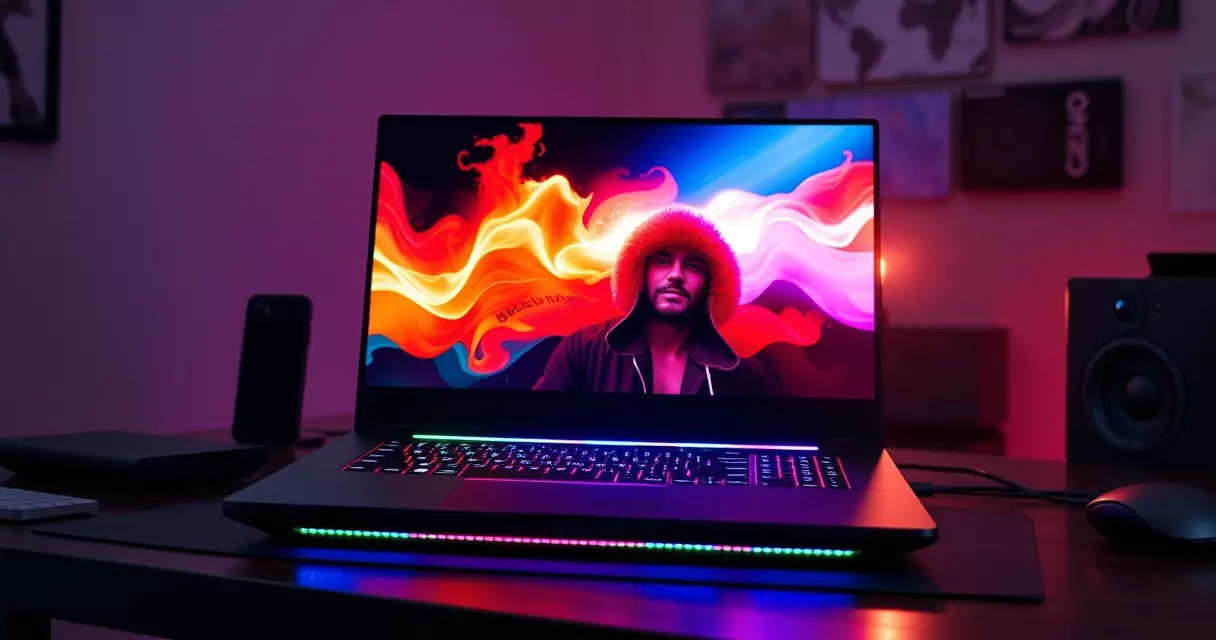
Few gaming laptops chase raw power as openly as the MSI Raider. NVIDIA's GeForce RTX 4090 Laptop GPU, the part that anchors the top Raider configurations, can draw up to 175 watts of total graphics power according to the GeForce...
Table of contents
- 1 Where the Raider Fits in MSI’s Lineup
- 2 Design, Build Quality, and First Impressions
- 3 Display: Mini LED and High Refresh
- 4 Performance: CPU, GPU, and Real-World Gaming
- 5 Cooling and Acoustics Under Load
- 6 Battery Life and Portability
- 7 Connectivity and Upgradeability
- 8 Pricing, Configurations, and How It Compares
- 9 Pros and Cons
- 10 Verdict: Who Should Buy the MSI Raider
- 11 Frequently Asked Questions
- 11.1 Is the MSI Raider good for both gaming and content creation?
- 11.2 How long does the MSI Raider battery last?
- 11.3 Can you upgrade the RAM and storage in the MSI Raider?
- 11.4 Is the MSI Raider loud during gaming?
- 11.5 How does the MSI Raider compare to the ASUS ROG Strix?
- 11.6 Is the MSI Raider worth the price in 2026?
- 11.7 Does the MSI Raider support Thunderbolt and external displays?
- 12 Related Reading
- 13 Sources
Few gaming laptops chase raw power as openly as the MSI Raider. NVIDIA’s GeForce RTX 4090 Laptop GPU, the part that anchors the top Raider configurations, can draw up to 175 watts of total graphics power according to the GeForce RTX 40 series specifications documented on Wikipedia, and MSI builds the Raider’s chassis, cooling, and power delivery around feeding that appetite. The result is a machine that behaves less like a portable computer and more like a desktop replacement you can fold shut. This review looks at how the Raider performs, where it stands among rivals, what it costs, and who actually benefits from buying one.
Across the 2024 and 2025 model years, the Raider name has covered both 17-inch and 18-inch bodies, and the newest revisions pair Intel’s latest high-core-count processors with either RTX 40 or RTX 50 series graphics. We treat the 17-inch Raider GE78 HX with an RTX 4090 as the reference point, while noting where the larger Raider 18 HX and its RTX 50 series upgrade change the picture.
Where the Raider Fits in MSI’s Lineup
MSI, formally Micro-Star International, was founded in Taiwan in 1986 and has shipped gaming hardware under several sub-brands, as recorded in the company profile on Wikipedia. The Raider sits in the upper performance tier of that catalog. It ranks below the flagship Titan, which targets buyers who want every possible extreme, yet clearly above the thinner Vector and Stealth lines that trade some thermal headroom for portability.
That position shapes every design decision. The Raider is allowed to be thick, heavy, and loud so that its components can run near their rated limits. Buyers shopping at this level usually already understand the trade-offs, but if you are still weighing form factors, our gaming laptop buyer’s guide on performance and portability walks through how chassis size affects sustained speed.
Naming can confuse first-time shoppers. A Raider GE78 HX is the 17-inch model, while the Raider 18 HX uses an 18-inch panel. The suffix codes such as A14V or A2XW signal the processor generation and the graphics tier inside, so two laptops sharing the word Raider can differ by several hundred dollars and a full GPU class.
Design, Build Quality, and First Impressions
Pick up a Raider and the weight registers immediately. The 17-inch GE78 lands near 3.1 kilograms before the power brick, and the 18-inch model pushes closer to 3.6 kilograms, based on MSI’s published specifications. Add the large charger, which can exceed 0.9 kilograms on the highest-wattage units, and the total travel load approaches five kilograms.
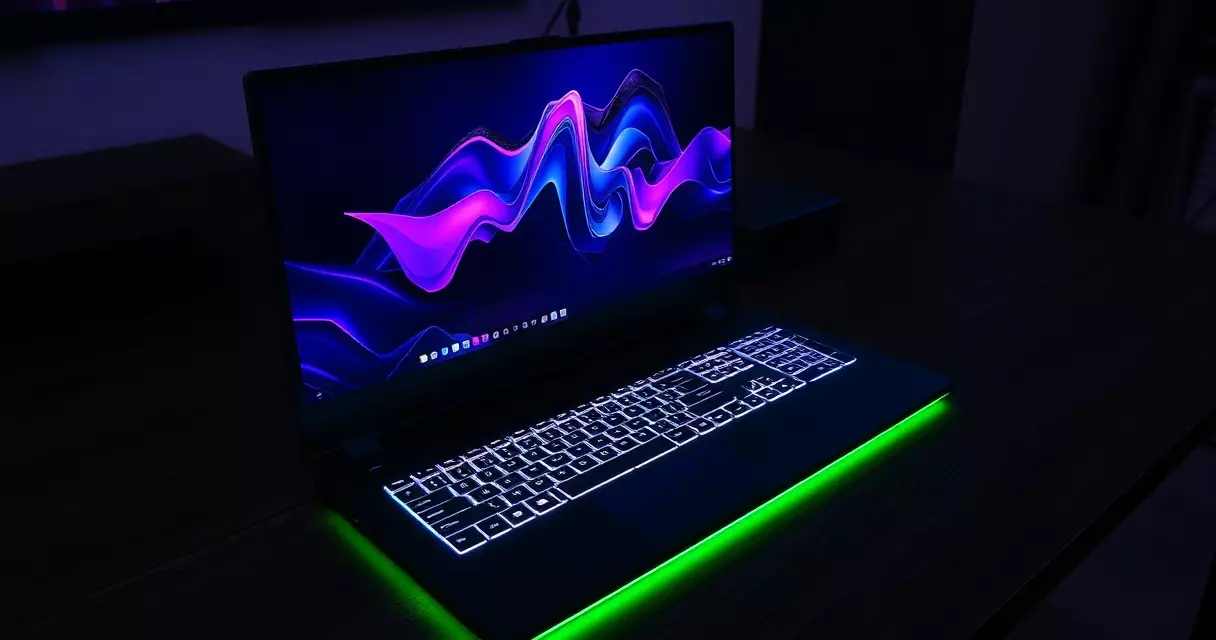
Construction mixes metal and dense plastic. The lid and keyboard deck feel rigid, with little flex under firm pressure, and the hinge holds the panel steady during typing. A signature front-edge light bar, which MSI markets as a diffused RGB strip, runs along the leading lip and reflects softly onto the desk surface. It is decorative rather than functional, and you can dim or disable it in MSI Center.
The keyboard is a per-key RGB unit tuned by SteelSeries, with a number pad on the wider bodies. Travel is adequate for long gaming sessions, though the layout squeezes the arrow keys and shrinks the right-side modifiers to make room for the numpad. The glass trackpad is large and accurate, but most owners will pair an external mouse for serious play.
Display: Mini LED and High Refresh
Display choice separates a good Raider purchase from a frustrating one. Higher-end configurations ship with a Mini LED panel rated for VESA DisplayHDR 1000, a tier that the VESA DisplayHDR program defines around a 1,000 nit peak brightness and local dimming. On a laptop, that means deeper blacks in dark game scenes and genuinely usable high dynamic range, rather than the washed-out HDR many notebooks advertise.
Resolution and refresh pairings vary by model. The 17-inch QHD+ option runs 2560 by 1600 at 240Hz, a sweet spot that an RTX 4090 Laptop GPU can actually drive in many titles. The 18-inch body offers either that fast QHD+ panel or a 4K Mini LED screen capped near 120Hz, which favors creators and cinematic single-player games over competitive frame rates. Local dimming on Mini LED can introduce slight blooming around bright objects on dark backgrounds, a known characteristic of the technology rather than a defect.
Color coverage is strong out of the box, with full sRGB and wide DCI-P3 gamut on the better panels, making the Raider credible for photo and video editing between gaming sessions. If you are unsure which panel specification matters most for your use, our explainer on gaming laptop specs including GPU, CPU, and RAM breaks down refresh rate against resolution in plain terms.
Performance: CPU, GPU, and Real-World Gaming
Performance is the whole point of the Raider, and it delivers. Top configurations combine a 24-core Intel Core i9-class HX processor, or the newer Core Ultra 9 in 2025 units, with up to an RTX 4090 Laptop GPU. The RTX 4090 mobile part can run at the full 175 watt total graphics power ceiling cited in the GeForce RTX 40 series documentation on Wikipedia, which is the highest power band NVIDIA permits for that mobile chip and a major reason the Raider outpaces thinner rivals carrying the same GPU name at lower wattage.
In practice, the reference RTX 4090 Raider handles modern AAA games at QHD+ with high settings and frame rates that suit a 240Hz panel, especially with DLSS upscaling enabled. Esports titles run well past 200 frames per second, leaving plenty of headroom for the fast screen. The 2025 Raider 18 HX with an RTX 5090 Laptop GPU raises that ceiling again, as the GeForce RTX 50 series overview on Wikipedia records the move to faster GDDR7 memory and the Blackwell architecture introduced in 2025.
Memory and storage scale generously. Configurations reach 64GB or more of DDR5 across two SO-DIMM slots, and dual M.2 slots support large NVMe drives in RAID. That headroom helps content creators who run editing suites alongside games. The table below summarizes the configuration we treat as the review reference.
| Component | As-reviewed configuration |
|---|---|
| Processor | Intel Core i9-14900HX, 24 cores |
| Graphics | NVIDIA GeForce RTX 4090 Laptop GPU, up to 175W |
| Display | 17-inch QHD+ 2560 x 1600, Mini LED, 240Hz |
| Memory | 64GB DDR5-5600, dual SO-DIMM |
| Storage | 2TB NVMe SSD, second M.2 slot free |
| Battery | 99.9Wh |
| Weight | Approximately 3.1 kg |
| Key ports | Thunderbolt 4, HDMI 2.1, USB-A, SD reader, 2.5G LAN |
Cooling and Acoustics Under Load
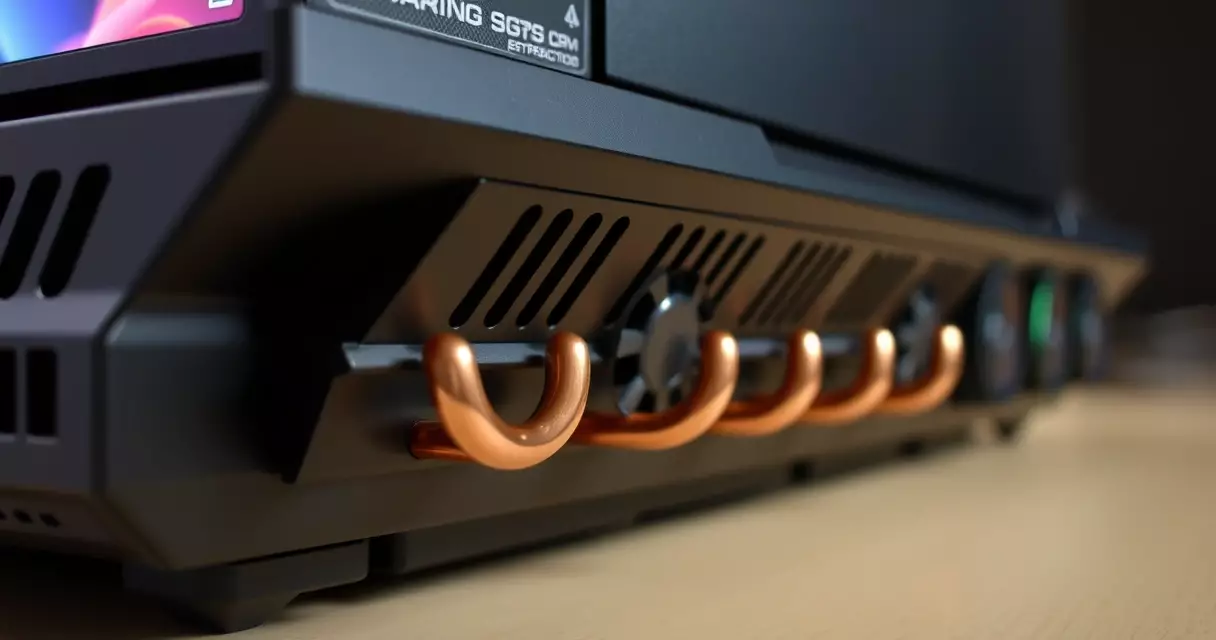
Pushing a 175 watt GPU and a high-core-count CPU together generates real heat, and MSI answers with its Cooler Boost 5 system: dual fans, a dense array of copper heat pipes, and multiple exhaust vents. Sustained loads keep the chassis usable, with the keyboard center warming noticeably while the wrist rest stays comfortable. The bottom intake area gets hot, so a desk or a hard surface is far better than a lap.
Noise is the honest weakness. At full Extreme Performance fan profile, the Raider is loud enough that headphones become mandatory for anyone nearby. Quieter balanced profiles cut the volume substantially while trimming only a modest slice of performance, which is the setting most owners will live in. Thermal behavior on machines this powerful rewards a little maintenance, and our guide to gaming laptop cooling and preventing overheating covers fan curves and dust management that keep clock speeds steady over time.
Undervolting and custom fan tuning through MSI Center can lower temperatures by several degrees with no measurable loss in games, a worthwhile step for owners comfortable with software adjustments.
Battery Life and Portability
The Raider carries a 99.9 watt-hour battery, sized deliberately just under the 100 watt-hour ceiling that the U.S. Federal Aviation Administration sets for lithium batteries in carry-on baggage without special airline approval. That detail matters for travelers, because anything larger would complicate flights. Even at this maximum legal capacity, a desktop-class GPU and a bright high-refresh display drain quickly.
Expect roughly mixed-use longevity measured in a few hours of light productivity, and far less under any gaming load, where the laptop will reduce graphics power dramatically once unplugged. This is not a machine you game on away from an outlet. Treating it as a portable desktop sets the right expectation. Owners who want to stretch unplugged time can apply the habits in our piece on maximizing gaming laptop battery life, such as capping refresh rate and using the integrated GPU for everyday tasks.
Connectivity and Upgradeability
Port selection is generous and aimed at a deskbound life. The Raider includes Thunderbolt 4, which the Thunderbolt interface entry on Wikipedia rates at 40 gigabits per second, alongside HDMI 2.1, multiple USB-A connectors, a full-size SD card reader, and 2.5 gigabit Ethernet. The 2025 models add Thunderbolt 5 on select configurations, lifting that bandwidth ceiling further for external displays and storage.
Internally, the Raider is friendlier to tinkering than most thin laptops. Two SO-DIMM memory slots and two M.2 storage slots are user-accessible after removing the bottom panel, so you can add RAM or a second SSD down the line. The CPU and GPU are soldered, as is normal in this class. For a sense of what is realistic to change yourself, our gaming laptop upgrade guide details which parts are swappable and which are fixed at purchase.
Pricing, Configurations, and How It Compares
Pricing spans a wide band. Entry Raider builds with mid-tier graphics have launched around the high-1,000-dollar range, while RTX 4090 configurations have listed near 2,800 to 3,700 dollars, and the flagship Raider 18 HX with RTX 50 series silicon climbs past 3,999 dollars, based on manufacturer and major retailer listings observed through early 2026. Prices shift with sales cycles and generational transitions, so the figures below are approximate starting points rather than fixed quotes.
| Model | Top GPU | Display | Weight | Approx. starting price |
|---|---|---|---|---|
| MSI Raider GE78 HX | RTX 4090 Laptop | 17-inch QHD+ 240Hz Mini LED | 3.1 kg | $2,799 |
| MSI Raider 18 HX | RTX 5090 Laptop | 18-inch 4K Mini LED 120Hz | 3.6 kg | $3,999 |
| ASUS ROG Strix SCAR 18 | RTX 5090 Laptop | 18-inch QHD+ 240Hz | 3.1 kg | $3,499 |
| Razer Blade 18 | RTX 5090 Laptop | 18-inch QHD+ 240Hz | 3.1 kg | $4,499 |
Against its closest rival, the ASUS ROG Strix, the Raider often wins on display quality thanks to its Mini LED option, while the Strix can edge ahead on raw value and keyboard layout depending on the sale. Our separate ASUS ROG Strix gaming laptop review goes deeper on that machine if you are cross-shopping the two. The Razer Blade 18 undercuts both on weight and design polish but typically costs more for equivalent silicon.
Pros and Cons
- Strengths: Full-wattage GPU performance, excellent Mini LED display option, generous ports, user-accessible RAM and storage, and a large 99.9Wh battery.
- Weaknesses: Heavy and bulky, very loud at peak fan speed, short battery life under load, a cramped keyboard layout near the arrow keys, and a high price at the top configurations.
Verdict: Who Should Buy the MSI Raider
The Raider earns a clear recommendation for one type of buyer: someone who wants near-desktop gaming and creation power in a single device that mostly stays on a desk, with occasional transport. Its full-wattage graphics, strong Mini LED screen, and roomy upgrade slots justify the size and noise for that audience. Players who prioritize a thin, quiet, all-day portable should look elsewhere, because the Raider makes no apology for being a large performance machine.
If your budget is tighter, last-generation RTX 40 Raider models often drop in price once RTX 50 units arrive, delivering most of the experience for less. Reading our roundup of the best gaming laptops by budget can help confirm whether a Raider or a cheaper alternative fits your spending plan.
Frequently Asked Questions
Is the MSI Raider good for both gaming and content creation?
Yes, the Raider suits both tasks well. Its high-core-count Intel processor handles video rendering and code compilation, while the RTX 4090 or RTX 50 series GPU accelerates both games and creative software such as video editors and 3D tools. The Mini LED panels carry wide DCI-P3 color coverage and VESA DisplayHDR 1000 certification, which matters for color-critical photo and video work. Add up to 64GB of DDR5 memory and dual NVMe storage, and the machine comfortably switches between a competitive game and a heavy editing timeline without forcing you to choose one role.
How long does the MSI Raider battery last?
Battery life depends entirely on the workload. The Raider ships with a 99.9 watt-hour pack, sized just under the 100 watt-hour airline carry-on limit set by the U.S. Federal Aviation Administration, yet a desktop-class GPU drains it fast. Light productivity such as web browsing and document work may last a few hours, while any real gaming away from the wall causes the laptop to throttle graphics power sharply and empty the battery within roughly an hour. Treat the Raider as a plug-in performance laptop rather than an all-day mobile companion, and keep the charger nearby.
Can you upgrade the RAM and storage in the MSI Raider?
Memory and storage are upgradeable, which sets the Raider apart from many thin gaming laptops. After removing the bottom panel, you gain access to two SO-DIMM slots for DDR5 memory and two M.2 slots for NVMe solid-state drives. That means you can start with a modest configuration and add capacity later, or run two drives in RAID for faster sequential speeds. The processor and graphics chip are soldered to the board, as is standard in this performance class, so those cannot be changed. Always confirm compatible memory speeds and drive sizes against MSI’s documentation before buying parts.
Is the MSI Raider loud during gaming?
The Raider can be loud at its highest performance profile. Cooling a 175 watt GPU and a 24-core processor together requires aggressive dual-fan airflow, and the Extreme Performance mode spins those fans fast enough that headphones become practical for anyone in the room. Balanced fan profiles cut the noise substantially while sacrificing only a small amount of performance, and that quieter setting suits most everyday play. Owners comfortable with software can undervolt the chips and build a custom fan curve in MSI Center, lowering both temperature and volume without a meaningful drop in frame rates during typical gaming sessions.
How does the MSI Raider compare to the ASUS ROG Strix?
Both target the same high-performance audience, and the choice often comes down to display and value. The Raider tends to win on screen quality when configured with its Mini LED panel, offering deeper contrast and brighter highlights. The ASUS ROG Strix frequently competes on price and on keyboard ergonomics, and it can match the Raider on raw graphics power within the same GPU tier. Both run their components near full wattage, so frame rates are close in most games. Reading dedicated reviews of each model, including ours, and comparing current sale prices is the best way to decide between them.
Is the MSI Raider worth the price in 2026?
Value depends on your needs and timing. At full price, a top RTX 50 series Raider is expensive, and only buyers who genuinely use desktop-class power for gaming or creation will feel they got their money’s worth. The strongest value usually appears when the previous generation discounts after a new launch, putting RTX 40 series Raider models within reach for far less while retaining most real-world capability. If you mainly play lighter titles or want portability, a cheaper and lighter laptop will serve you better. Match the configuration to your actual workload before committing to the highest tier.
Does the MSI Raider support Thunderbolt and external displays?
Yes, the Raider includes Thunderbolt connectivity, with Thunderbolt 4 on recent models and Thunderbolt 5 on select 2025 configurations. Thunderbolt 4 carries 40 gigabits per second of bandwidth, which supports high-resolution external monitors, fast external storage, and docking stations through a single cable. The laptop also offers HDMI 2.1 for additional display output capable of high refresh rates at 4K. Combined with the internal Mini LED panel, this lets you run a multi-monitor setup at your desk and then unplug a single cable to travel, making the Raider flexible for both stationary and occasional mobile use.
Related Reading
- Gaming Laptop Buyer's Guide: Performance, Portability & Best Models
- Best Gaming Laptops 2024: Top Picks for Every Budget
- Gaming Laptop Battery Life: Tips to Maximize Performance
- Gaming Laptop Cooling: Solutions to Prevent Overheating
- Gaming Laptop Maintenance: Keep Your System Like New
- Gaming Laptop Specs Explained: GPU, CPU, RAM & More
- Gaming Laptop Upgrade Guide: What Can You Upgrade?
- Gaming Laptop vs Desktop: Which Should You Buy?
- How to Choose a Gaming Laptop: Complete Buyer's Guide
- Alienware M15 Gaming Laptop Review: Specs, Power & Value
- ASUS ROG Strix Gaming Laptop Review
- HP Omen 16 Gaming Laptop Review (2026 Update)
- Lenovo Legion 5 Gaming Laptop Review: Specs, Power & Value
- Razer Blade 15 Gaming Laptop Review
Sources
- GeForce RTX 40 series, Wikipedia – https://en.wikipedia.org/wiki/GeForce_RTX_40_series
- GeForce RTX 50 series, Wikipedia – https://en.wikipedia.org/wiki/GeForce_RTX_50_series
- Micro-Star International, Wikipedia – https://en.wikipedia.org/wiki/Micro-Star_International
- Thunderbolt interface, Wikipedia – https://en.wikipedia.org/wiki/Thunderbolt_(interface)
- VESA DisplayHDR program – https://www.vesa.org/displayhdr/
- FAA PackSafe lithium batteries – https://www.faa.gov/hazmat/packsafe/lithium-batteries