Summary
More than 7 million people broadcast games live each month across Twitch and YouTube Gaming, and the gap between streams that hold an audience and those that bleed one has almost everything to do with production quality. Twitch's own broadcasting...
Table of contents
- 1 Why Build a Streaming-First PC Instead of Using Your Gaming Rig?
- 2 Choosing the Right CPU: Cores, Threads, and Encoder Headroom
- 3 GPU, RAM, and Storage: What the Numbers Actually Mean for Streaming
- 4 Three Budget Tiers: Entry, Mid-Range, and High-End Streaming Builds
- 5 Encoding Explained: NVENC vs. x264 vs. AMD VCE vs. Intel QuickSync
- 6 Essential Peripherals and Streaming Software
- 7 Dual-PC Streaming Setups and Capture Cards
- 8 Frequently Asked Questions
- 8.1 What is the minimum CPU for a game streaming PC?
- 8.2 How much RAM do I need to game and stream simultaneously?
- 8.3 Is NVENC or x264 better for Twitch?
- 8.4 Do I need a capture card to stream PC games?
- 8.5 What bitrate should I use when streaming on Twitch?
- 8.6 How much does it cost to build a game streaming PC?
- 8.7 Can I stream on a gaming laptop instead of a desktop?
- 8.8 Which GPU has the best hardware encoder for streaming?
- 9 Related Reading
- 10 Sources
More than 7 million people broadcast games live each month across Twitch and YouTube Gaming, and the gap between streams that hold an audience and those that bleed one has almost everything to do with production quality. Twitch’s own broadcasting guidelines target 6,000 kbps at 1080p and 60 frames per second for a competitive broadcast – a specification that demands deliberate hardware planning, not just a fast gaming rig with OBS bolted on top. When encoding fights your game for CPU cycles, something always loses.
Building a PC with streaming in mind from the start means every component choice accounts for encoding workload alongside game rendering. Whether your target is an $800 entry build or a $2,500 powerhouse, the same principles apply: the right CPU core count, hardware encoder support on the GPU, and enough RAM to keep both the game and the encoder fed without contention. This guide walks through each decision with real product recommendations, three fully-priced sample builds, and the encoding trade-offs that separate a polished stream from a pixelated one.
Why Build a Streaming-First PC Instead of Using Your Gaming Rig?
The single-PC streaming approach – running your game and encoder on the same machine – works fine on powerful hardware but asks the CPU to serve two demanding masters simultaneously. Software encoding via x264 at a medium quality preset consumes 20–40% of a modern CPU’s throughput, which comes directly out of the budget your game needs for physics, AI, and rendering. The result is frame drops, stuttering, or reduced encoder presets that degrade stream quality just when the game gets demanding.
A purpose-built streaming PC solves this by either distributing load intelligently (hardware encoding offloaded entirely to the GPU’s dedicated encoder block) or, in a dual-PC setup, handling the entire encode pipeline on a second machine. Either path requires knowing what the encoder actually needs from hardware – and that knowledge shapes every component choice from the CPU down to the storage drive.
If you’re still working out the broader setup – software, settings, microphone, and scene structure – the game streaming setup guide on The Play Journal covers those areas in depth alongside hardware considerations.
Choosing the Right CPU: Cores, Threads, and Encoder Headroom
The CPU is where streaming and gaming workloads most directly compete. For a single-PC streaming setup, the minimum practical configuration is a six-core, 12-thread processor with strong single-threaded performance (for game frame rates) and enough multi-threaded headroom to run overlays, browser sources, and encoding without starving the game engine.
The AMD Ryzen 5 5600X ($150–$180 in the used or refurbished market as of 2026) is the realistic floor for a single-PC streaming build. Its six cores handle game workloads well, and when paired with NVENC on an NVIDIA GPU, the x264 software encoder never needs to enter the picture. Step up to the AMD Ryzen 7 7700X ($250–$300) or the Intel Core i7-13700K ($280–$330) and you gain genuine headroom: eight to sixteen cores mean you can run x264 at a faster preset alongside NVENC without noticeable frame rate impact in games.
At the high end of the CPU stack, the AMD Ryzen 9 7950X (16 cores, 32 threads) and the Intel Core i9-13900K (24 cores with a hybrid Performance/Efficient core architecture) are forward-looking choices for streamers who want maximum x264 quality or plan to run complex OBS scene collections with multiple browser sources, real-time chroma keying, and video filters running simultaneously. The trade-off is price: both exceed $500, and the quality gains over a Ryzen 7 7700X are tangible only when encoding in software at demanding presets.
One often-overlooked factor is L3 cache size. Software encoders like x264 work through reference frames repeatedly during compression, and a larger L3 cache speeds up that process. The Ryzen 9 7950X carries 64 MB of L3 cache, which improves x264 encode efficiency at high-quality presets compared to lower-cache chips with equivalent core counts. For NVENC-only setups the difference is minimal, but for dual-PC x264 builds it’s a meaningful variable.
GPU, RAM, and Storage: What the Numbers Actually Mean for Streaming
Your GPU selection has a direct and outsized impact on streaming quality when you use hardware encoding. NVIDIA’s NVENC encoder, built into every GeForce RTX card, offloads encoding from the CPU entirely. NVIDIA NVENC first appeared in the Kepler-architecture GTX 600 series in 2012; the modern RTX 40-series implementation added AV1 hardware encoding, a next-generation codec that delivers meaningfully better image quality at the same bitrate compared to H.264. At Twitch’s 6,000 kbps cap, that quality difference is visible.
The NVIDIA GeForce RTX 4060 ($299–$329) is the best streaming value in 2026: AV1 NVENC support, solid 1080p and 1440p gaming performance, and 8 GB of GDDR6 VRAM. The RTX 4070 ($499–$549) adds DLSS 3 Frame Generation and stronger 1440p headroom, while the RTX 4080 Super ($999) targets creators who want 4K gaming alongside a clean 1440p60 stream. AMD’s Radeon RX 7800 XT ($399–$449) is a strong gaming card but its AV1 VCE encoder trails NVENC in quality consistency benchmarks, making NVIDIA the cleaner choice when encoding performance is a priority.
RAM: 16 GB DDR4 is a workable minimum, but 32 GB is the target for any streaming build built in 2026. Running a demanding game at high settings, OBS Studio with multiple browser sources (chat overlay, alerts widget, music visualizer), a browser window for chat monitoring, and Discord simultaneously will push a 16 GB system to the edge of its memory bandwidth. G.Skill Trident Z5 and Corsair Vengeance DDR5 kits in the 32 GB / 6000 MHz configuration are available for $80–$120, which makes the upgrade cost easy to justify.
Storage: An NVMe SSD is non-negotiable for the OS drive and primary game installation. The Samsung 980 Pro and WD Black SN850X are the benchmark names in that segment, available in 1 TB and 2 TB configurations at $90–$160. If you record local VODs or archive long sessions, add a secondary 4–8 TB HDD ($80–$100); NVMe drives fill up quickly when recording 1080p60 video at high bitrates. A recording of a four-hour session at 40 Mbps consumes roughly 72 GB.
Three Budget Tiers: Entry, Mid-Range, and High-End Streaming Builds
The right tier depends on what you’re playing, your target output resolution and frame rate, and whether you plan a single-PC or dual-PC setup. The three tiers below are based on real 2026 retail pricing and represent the configurations most commonly recommended across hardware communities.
| Build Tier | Total Budget | CPU | GPU | RAM | Primary Storage | Best For |
|---|---|---|---|---|---|---|
| Entry | $700–$950 | AMD Ryzen 5 5600X | NVIDIA RTX 4060 | 16 GB DDR4-3200 | 500 GB NVMe SSD | 1080p60 NVENC streaming, casual content creation |
| Mid-Range | $1,200–$1,800 | AMD Ryzen 7 7700X | NVIDIA RTX 4070 | 32 GB DDR5-6000 | 1 TB NVMe SSD | 1080p60/1440p streaming, x264 headroom, dual monitors |
| High-End | $2,500–$3,500 | AMD Ryzen 9 7950X | NVIDIA RTX 4080 Super | 32 GB DDR5-6000 | 2 TB NVMe + 4 TB HDD | 4K gaming, 1440p60+ broadcast, professional production |
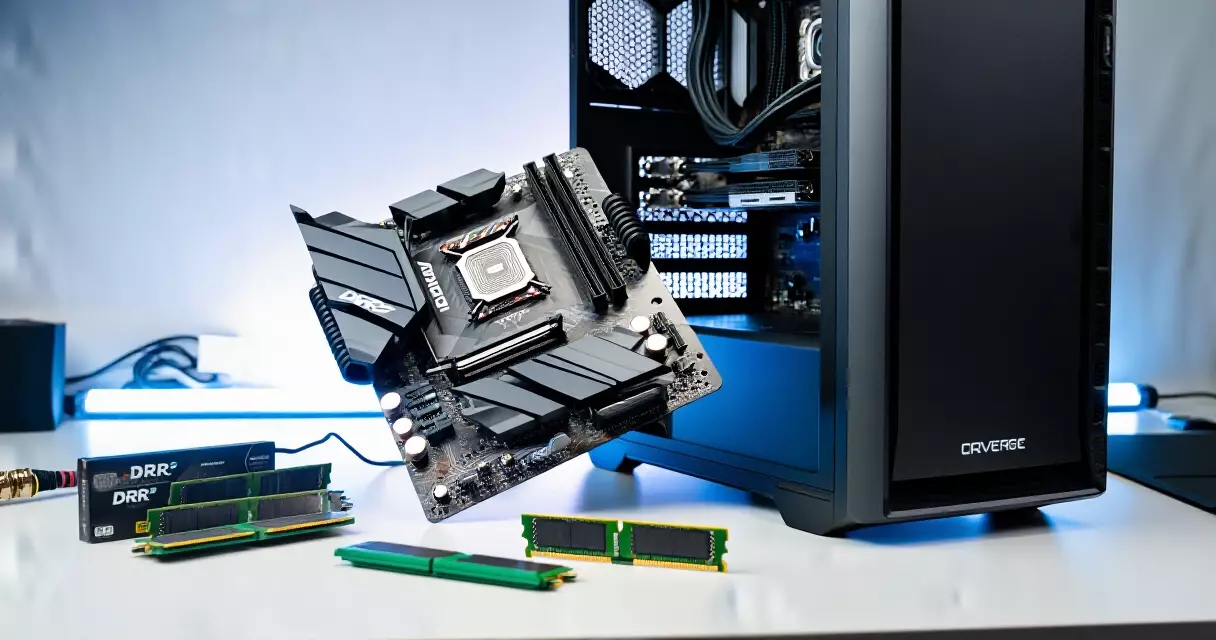
The entry build around the Ryzen 5 5600X and RTX 4060 punches above its price point. The RTX 4060’s AV1 NVENC encoder produces output that rivals what mid-range cards from three years ago could achieve at the same bitrate, and the Ryzen 5 5600X leaves enough thermal and power headroom to run long streaming sessions without throttling. Pair it with a B550 or B650 motherboard ($80–$120), a 650W 80+ Bronze PSU ($60–$80), and a Fractal Design Meshify C or similar mid-tower ($80–$100), and the total system lands under $950.
The mid-range tier with the Ryzen 7 7700X is where most committed part-time streamers land. Eight cores give enough headroom to run x264 at a fast preset as a fallback alongside NVENC, and 32 GB of DDR5 means no memory pressure even with heavy OBS scene collections. The RTX 4070 also adds DLSS 3 Frame Generation, which lets the game render at a lower native resolution while outputting high-frame-rate images to the screen – a useful lever for maintaining game performance headroom during streams.
The high-end tier with the Ryzen 9 7950X and RTX 4080 Super is for streamers who want zero trade-offs: 4K gaming at high frame rates, 1440p60 broadcast quality, professional x264 encoding presets, and the ability to run a broadcast-grade overlay with multiple real-time sources without any measurable impact on game performance. It’s also the right target for streamers who produce additional edited content from their streams and want the encode speed for offline renders.
The RTX 4060 and a modern six-core CPU is all most streamers need to deliver a competitive 1080p60 broadcast – the encoding quality gap over more expensive hardware is smaller than most expect.
Encoding Explained: NVENC vs. x264 vs. AMD VCE vs. Intel QuickSync
Encoding is the single most technical decision in a streaming build, and it directly determines both broadcast quality and system performance. H.264 (Advanced Video Coding), standardized by the ITU-T and ISO/IEC, remains the dominant codec for live streaming and is supported natively by Twitch, YouTube, and every other major platform. It can be encoded in software by the CPU (x264 in OBS) or in hardware by a dedicated encoder block on the GPU or CPU die.
| Encoder | Type | CPU Overhead | Output Quality | AV1 Support | Best Use Case |
|---|---|---|---|---|---|
| NVENC (RTX 40xx) | Hardware (GPU) | Very low (<5%) | Excellent (AV1) | Yes | Single-PC streaming; the default for most setups |
| x264 (OBS software) | Software (CPU) | High (20–40%) | Best per-bitrate | No | Dual-PC setups; maximum quality |
| AMD VCE/AMF (RX 7000) | Hardware (GPU) | Very low (<5%) | Good | Yes | AMD GPU users on single-PC setups |
| Intel QuickSync (Arc) | Hardware (iGPU) | Very low | Good | Yes | Budget dual-PC encoding rigs |
The practical recommendation for most single-PC streamers is NVENC on an RTX 4060 or better. The quality gap between RTX 40-series NVENC and x264 at a medium preset has narrowed substantially compared to previous GPU generations, and the CPU headroom you save by not running x264 translates directly to smoother in-game frame rates. Within OBS Studio, set the bitrate control to CBR (constant bitrate) rather than VBR for live streaming – Twitch and YouTube process streams best with a stable bitrate, and VBR can cause encoder buffer overflows that manifest as dropped frames on the platform side even when your upload connection is performing fine.
x264 still wins on outright quality per unit of bitrate, which is why dual-PC setups lean on it. When the streaming PC dedicates its entire CPU to encoding a captured feed, running x264 at a slow or medium preset is entirely feasible. For that role, an AMD Ryzen 7 5800X or Intel Core i7-12700K is an excellent encoding-only machine – relatively affordable on the secondary market, and capable of running x264 at a medium preset without breaking a sweat when there’s no game competing for CPU time.
Essential Peripherals and Streaming Software
The PC hardware is only part of the equation. Audio quality has a disproportionate effect on viewer retention: a slightly soft video image is tolerable, but bad audio – clipping, background noise, or hollow room reverb – drives viewers away within seconds. Budget accordingly.
Microphones: The Blue Yeti ($99–$129) is one of the most widely used USB condenser microphones in streaming, with four polar patterns and a solid preamp for its price. The HyperX QuadCast S ($159) adds RGB lighting and a tap-to-mute capacitive sensor. For streamers willing to step up to XLR and an audio interface like the Focusrite Scarlett Solo ($119), the Shure SM7B ($399) is the professional broadcast standard – its tight cardioid pattern rejects room noise and keyboard sound far more effectively than any USB condenser at any price.
Webcams: The Logitech C922 Pro ($99) shoots 1080p at 30 fps or 720p at 60 fps with reasonable low-light handling. The Elgato Facecam ($199) uses a Sony sensor with manual control over exposure, focus, and white balance – a genuine step up if your face cam is central to the stream’s presentation. For streamers who want a dedicated camera look, the Sony ZV-E10 ($550 with a kit lens) outputs clean HDMI to a capture card and produces a quality leap over any webcam at any price.
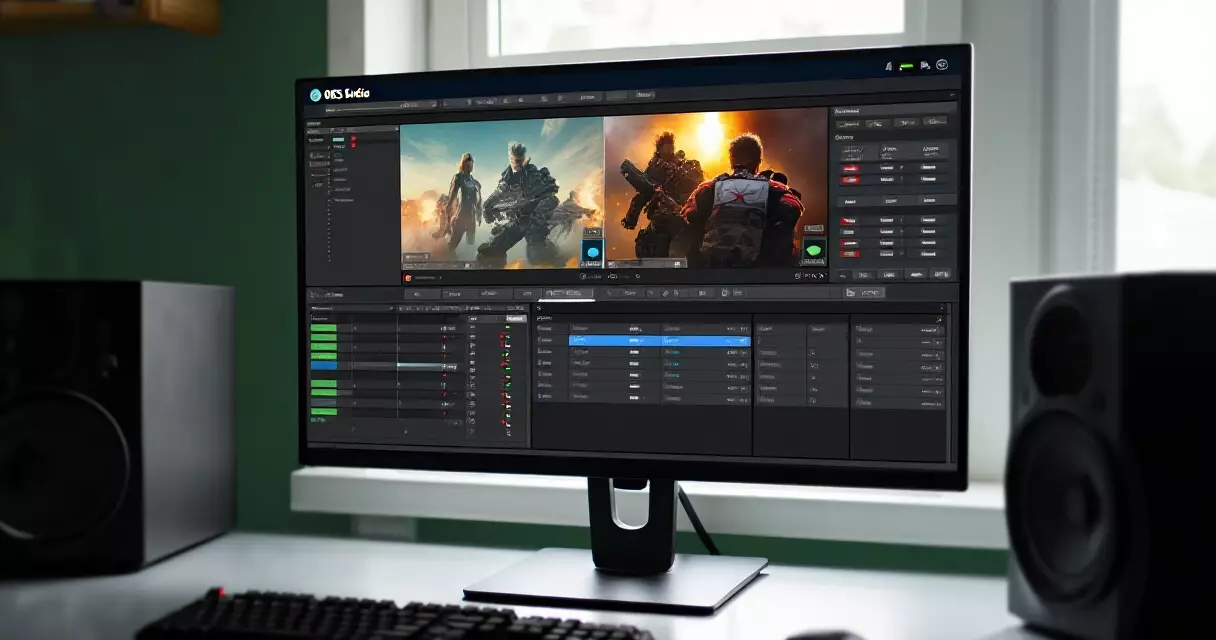
Software: OBS Studio is the industry-standard free streaming application, with over 100 million downloads across Windows, macOS, and Linux. It handles multi-scene management, hardware encoder selection, audio mixing, and direct integration with Twitch, YouTube, and Kick. Streamlabs Desktop (built on OBS’s core) adds an integrated alert system and a graphical widget library but runs heavier on system resources. XSplit Broadcaster is a paid alternative ($4.99/month) with a polished UI that some streamers prefer for layout management. For most people starting out, vanilla OBS Studio with the Streamlabs alert widget embedded as a browser source is the best-performing combination.
For the monitor that sits in front of your streaming PC, the Gigabyte M27Q offers 1440p at 170Hz with a KVM switch for around $280 – practical for a setup where you’re switching between a gaming machine and a streaming/editing machine.
If you’re comparing premium display options across brands, the Alienware vs. ASUS ROG monitor comparison on The Play Journal breaks down the key differentiators across resolution and refresh rate tiers.
Dual-PC Streaming Setups and Capture Cards
A dual-PC streaming setup routes your gaming machine’s HDMI output through a capture card into a separate streaming PC, which captures the feed, runs OBS, encodes with x264, and pushes to the platform. This approach completely removes encoding overhead from the gaming PC and lets the streaming machine run x264 at quality-optimized presets without any competition from game workloads.
The capture card is the hardware bridge between the two machines. The Elgato 4K60 Pro Mk.2 ($199–$249, PCIe internal card) captures up to 4K at 60 fps with HDR passthrough and zero added latency to your gaming monitor. The AVerMedia Live Gamer 4K ($199) is a strong alternative with equivalent specifications. For USB-based capture that works with a laptop as the encoding machine, the Elgato HD60 X ($149) handles 4K30 or 1080p60 passthrough and is genuinely portable.
The dual-PC approach is overkill for most entry-level streamers, but worth planning for if you stream CPU-bound competitive titles where frame rate consistency is critical, or if you already own a capable gaming PC and want to add streaming without touching its performance profile. The streaming machine in a dual-PC setup doesn’t need a discrete gaming GPU at all – integrated graphics run OBS fine, and a mid-range CPU handles x264 encoding comfortably with no gaming workload competing.
For a step-by-step walkthrough of configuring OBS, building scenes, and setting up your first stream from scratch, the beginner’s streaming setup guide covers the software side in detail.
A dual-PC setup removes the encoding tax from your gaming machine entirely – but for most streamers, a single well-configured PC with hardware NVENC encoding is the smarter, more cost-effective investment.
Frequently Asked Questions
What is the minimum CPU for a game streaming PC?
The practical minimum for a single-PC streaming setup in 2026 is a six-core, 12-thread processor, with the AMD Ryzen 5 5600X being the standard recommendation at that tier. With six cores and NVENC hardware encoding on the GPU, the CPU handles game workloads without the encoder creating meaningful contention. Going below six cores (quad-core chips) is possible with pure NVENC encoding, but frame pacing becomes unpredictable in CPU-bound games and there’s limited overhead for OBS scene complexity. For x264 software encoding on a single PC, eight or more cores is the realistic minimum for maintaining stream quality without impacting game frame rates during intensive moments.
How much RAM do I need to game and stream simultaneously?
16 GB is the workable minimum, but 32 GB is the recommended amount for a streaming build in 2026. With 16 GB, memory pressure becomes a real constraint when running a demanding game alongside OBS with multiple browser sources – a chat overlay, alert widget, and music visualizer each consume RAM – plus a browser window for monitoring chat and Discord in the background. 32 GB eliminates that pressure entirely and leaves headroom for future games that push memory requirements higher. DDR5 at 6000 MHz is the current performance sweet spot for AMD AM5 and Intel LGA1700 platforms; the price premium over DDR5-5600 is minimal and the bandwidth improvement benefits the CPU’s integrated memory controller.
Is NVENC or x264 better for Twitch?
For single-PC setups, NVENC on an RTX 4060 or better is the right choice for most streamers in 2026. The RTX 40-series NVENC delivers quality comparable to x264 at a medium preset, with under 5% CPU overhead versus 20–40% for software encoding. x264 still produces better image quality per unit of bitrate in controlled tests, but the difference at Twitch’s 6,000 kbps cap is subtle – not worth sacrificing the CPU headroom that keeps game frame rates smooth. If you run a dual-PC setup where the streaming machine’s entire CPU is dedicated to encoding, x264 at a medium or slow preset is the quality winner. For single-PC streaming, NVENC wins the cost/benefit calculation clearly.
Do I need a capture card to stream PC games?
No. For PC gaming on a single-PC setup, OBS Studio and Streamlabs Desktop capture your screen or individual game windows directly via Windows’s Game Capture API or display capture mode, with no additional hardware required. Capture cards become necessary in two situations: when you want to stream console gameplay (PS5, Xbox Series X) to a PC, or when you’re using a dual-PC setup where the gaming machine’s output needs to be captured by the streaming machine over HDMI. For those cases, the Elgato 4K60 Pro Mk.2 and AVerMedia Live Gamer 4K are the leading PCIe options at the $199–$249 price point, both offering full 4K HDR passthrough.
What bitrate should I use when streaming on Twitch?
According to Twitch’s broadcasting guidelines, the recommended video bitrate for 1080p at 60 fps is 4,500–6,000 kbps. Most Twitch Affiliates and Partners target 6,000 kbps as the practical maximum for 1080p60, as Twitch does not currently offer higher-bitrate ingest to general users. For 720p at 60 fps, 3,000–4,500 kbps delivers solid results. YouTube Live is more flexible: there is no hard ingest bitrate cap for most users, and YouTube recommends 4,500–9,000 kbps for 1080p60. When streaming with AV1, you can achieve comparable visual quality at a lower bitrate compared to H.264 – useful if your upload connection is constrained.
How much does it cost to build a game streaming PC?
A capable entry-level streaming PC built around the AMD Ryzen 5 5600X and NVIDIA RTX 4060 runs $700–$950 complete with a B550 motherboard, 16 GB of DDR4 RAM, a 500 GB NVMe SSD, 650W PSU, and a mid-range case. A mid-range build with the Ryzen 7 7700X, RTX 4070, and 32 GB of DDR5 lands at $1,200–$1,800. High-end configurations targeting 4K gaming with 1440p60 streaming push $2,500–$3,500. These estimates cover the PC itself. Peripheral costs – microphone, webcam, capture card, headset, and monitor – add $200–$800 depending on quality tier, so budget for the full desk setup, not just the tower.
Can I stream on a gaming laptop instead of a desktop?
Yes, but with real limitations. Gaming laptops with NVIDIA RTX 4060 or better mobile GPUs can run OBS and stream via NVENC, and for 1080p streaming at 30–60 fps the results are workable. The primary constraint is thermal management: laptops throttle CPU and GPU performance under sustained combined load (gaming plus encoding), which produces inconsistent frame rates and degraded stream quality during extended sessions. Laptops also offer no upgrade path when a newer GPU encoder generation ships. For streamers who need portability for LAN events or travel setups, a mid-range gaming laptop is a practical option; for a fixed streaming desk, a desktop PC outperforms a laptop at every price point.
Which GPU has the best hardware encoder for streaming?
In 2026, NVIDIA’s RTX 4000-series cards (RTX 4060 through RTX 4090) lead the market in hardware encoder quality for streaming. The RTX 40-series NVENC supports AV1 encoding, which produces better image quality at equivalent bitrates compared to H.264 on all previous GPU generations. The RTX 4060 is the best-value AV1 NVENC entry point. AMD’s Radeon RX 7000 series also supports AV1 hardware encoding via their updated VCE engine, with substantial quality improvements over older AMF implementations – though most current benchmarks still give NVENC an edge in quality consistency at 6,000 kbps. Intel Arc GPUs (Arc A770, Arc B580) support AV1 encoding and represent a compelling budget option for dedicated encoding machines in dual-PC setups where gaming GPU performance is not required.
Related Reading
- Game Streaming Setup: Equipment, Software & Settings
- Game Streaming Setup: A Step-by-Step Beginner's Guide
- Blue Yeti Review: Still the Go-To Streaming Mic in 2026?
- Elgato 4K60 Pro MK.2 Review: Best Capture Card for Console Streamers?
- Elgato Stream Deck Review: Does Every Streamer Need One?
- Logitech C922 Pro Review: Best Budget Webcam for Game Streamers?
- NVIDIA NVENC Encoder Review: GPU-Based Game Streaming in 2026
- Streamlabs Review: Features, Performance, and Is Ultra Worth It?
Sources
- Twitch Help Center – Broadcasting Guidelines
- Wikipedia – Open Broadcaster Software
- Wikipedia – Advanced Video Coding (H.264/AVC)
- Wikipedia – Nvidia NVENC
Gaming Laptop Buyer’s Guide: Performance, Portability & Best Models