Summary
Refresh rates that read like typos a few years ago now ship in retail boxes. ASUS lists a 540Hz mode on parts of its ROG Swift line, and Dell's Alienware QD-OLED panels run at 360Hz and faster, according to each...
Table of contents
- 1 Two badges, two philosophies
- 2 A short history of Alienware and ROG
- 3 Panel technology and picture quality
- 4 Refresh rate, response time and motion clarity
- 5 Adaptive sync, ports and extra features
- 6 Design, build quality and ergonomics
- 7 Pricing, value and running costs
- 8 Warranty, support and reliability
- 9 Which brand wins for you?
- 10 Frequently asked questions
- 10.1 Are Alienware monitors made by Dell?
- 10.2 Is ASUS ROG better than Alienware for competitive gaming?
- 10.3 Do both brands cover OLED burn-in under warranty?
- 10.4 Which brand offers better value for money?
- 10.5 Do Alienware and ROG monitors work with both NVIDIA and AMD cards?
- 10.6 Are these OLED gaming monitors bad for your eyes?
- 10.7 Should I pick QD-OLED or WOLED between these brands?
- 11 Related Reading
- 12 Sources
- 12.1 Further reading
- 12.2 Further reading
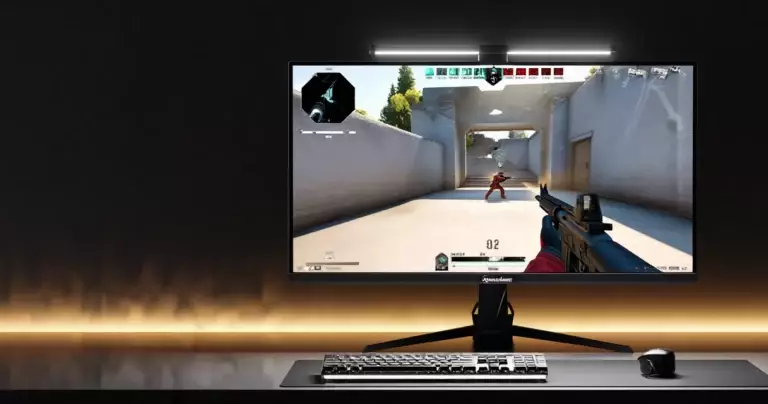
Refresh rates that read like typos a few years ago now ship in retail boxes. ASUS lists a 540Hz mode on parts of its ROG Swift line, and Dell’s Alienware QD-OLED panels run at 360Hz and faster, according to each company’s published specifications. For anyone weighing Dell (Alienware) against ASUS Republic of Gamers (ROG), that speed race is the backdrop, yet the deciding factors usually sit elsewhere: panel tuning, port selection, warranty terms and how much you are willing to spend.
Both brands sell some of the most respected gaming displays available in the United States, and both lean on OLED technology for their flagship models. Where they part ways is in design language, feature philosophy and pricing. This review compares the two ranges across the specifications that change how a game actually feels, then points you toward the badge that fits your desk.
Two badges, two philosophies
Alienware is Dell’s dedicated gaming sub-brand, and its monitors carry the same restrained, spacecraft-inspired industrial design that defines its laptops and desktops. The approach tends toward clean lines, a tidy on-screen menu and a small, focused lineup where each model targets a clear buyer. Dell rarely floods the market with variants; instead it picks a panel, tunes it, and supports it with the company’s wide service network.
ROG sits at the enthusiast end of ASUS, and its monitors reflect a feature-maximalist mindset. Aggressive styling, copper accents, projected logos and a deep menu system are part of the package. ASUS ships many models across price tiers, so the ROG range covers everything from budget-friendly fast IPS panels to halo OLED displays. If you want to compare these flagships against the wider field, our guide to gaming monitor specs and top picks sets the baseline for the terms used below.
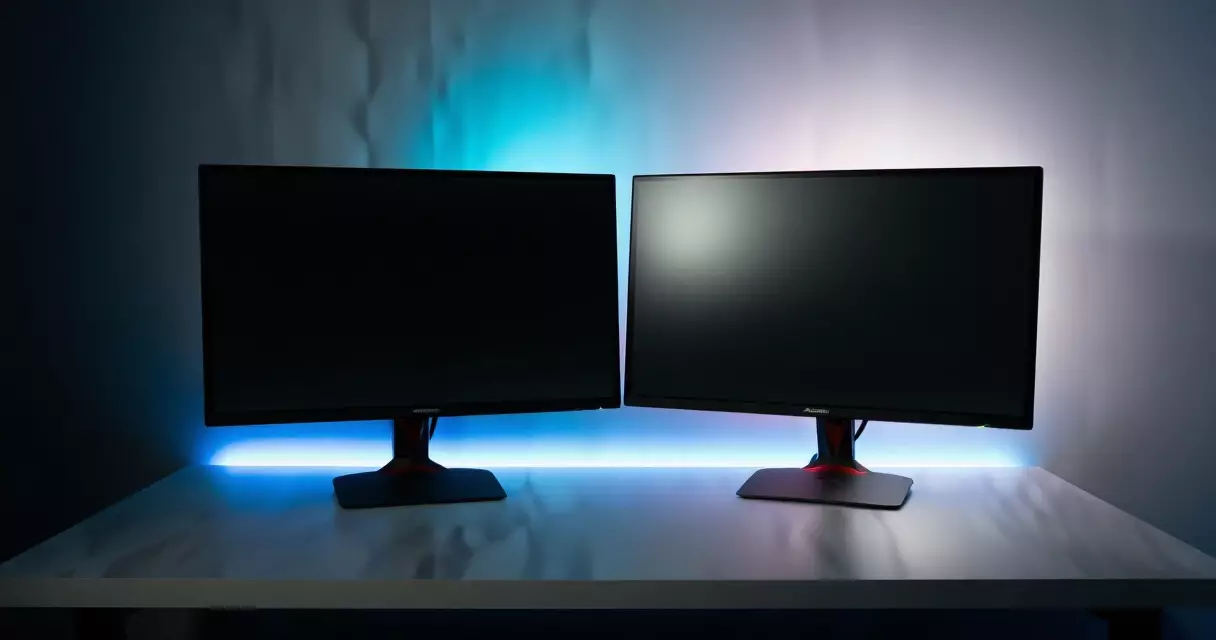
Neither philosophy is automatically better. A player who values a quiet aesthetic and predictable support leans Dell. A tinkerer who wants the highest headline numbers and the most adjustable features leans ASUS. The rest of this comparison turns those instincts into measurable trade-offs.
A short history of Alienware and ROG
Alienware launched as an independent boutique PC maker in 1996 and was acquired by Dell in 2006, according to Wikipedia’s company history. Monitors came later in the brand’s life, with the alien-head badge and the ‘Legend’ design language arriving in the late 2010s. The display range stayed small on purpose, and the brand made an early bet on QD-OLED panels once Samsung Display brought that technology to market.
ASUS introduced Republic of Gamers in 2006 as a premium label for motherboards, then expanded it into laptops, peripherals and displays. The ROG Swift name became shorthand for high-refresh gaming screens, and ASUS was among the first to ship monitors carrying NVIDIA’s G-Sync hardware module. That history of being early to new refresh-rate and adaptive-sync milestones still shapes how the brand markets itself today.
The practical takeaway from this background is that both brands have spent years iterating on the same problems. Their flagships now use OLED panels sourced from a small number of suppliers, which means the raw display can be similar while the tuning, firmware and chassis differ.
Panel technology and picture quality
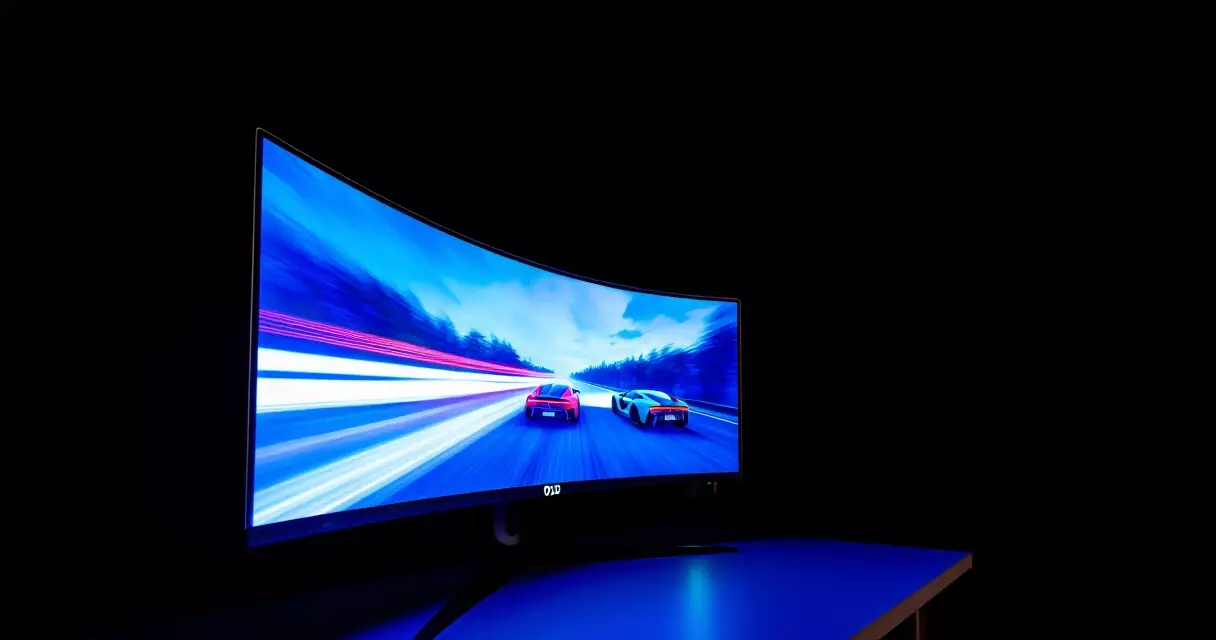
OLED is the headline technology on both sides. In an OLED panel each pixel emits its own light and can switch off entirely, which produces true black and effectively infinite contrast, as described in Wikipedia’s overview of OLED displays. That self-emissive behavior is why both Alienware and ROG flagships look so much punchier than the LED-backlit screens they replaced.
The split between the two brands comes from panel sub-types. Alienware has leaned on Samsung’s QD-OLED, which uses a quantum-dot layer to boost color volume and brightness. ASUS ships both QD-OLED and LG’s WOLED variants depending on the model, and its 480Hz 1440p flagship uses a tandem WOLED structure for higher brightness and longevity. If you want the deeper technical split between these and older panel types, our breakdown of IPS vs VA vs TN vs OLED panels explains where each one wins.
For high-dynamic-range performance, VESA’s DisplayHDR program defines tiers such as DisplayHDR True Black 400 and True Black 500, with the number indicating peak luminance in candelas per square meter, as summarized in Wikipedia’s HDR television article. Alienware’s QD-OLED panels typically certify at True Black 400, while several ROG OLED models reach True Black 500. In daily use the gap is modest, because OLED contrast does more for perceived image quality than a 100-nit difference in small-window peak brightness.
Text rendering is the one area where panel choice has a visible effect on desktop work. QD-OLED uses a triangular sub-pixel layout that can create faint color fringing on fine text, while WOLED uses a different arrangement with its own trade-offs. Neither is a dealbreaker for gaming, but office users who stare at spreadsheets all day should be aware of it.
Refresh rate, response time and motion clarity
Refresh rate measures how many times per second a display redraws the image, expressed in hertz, as defined in Wikipedia’s refresh rate article. A 360Hz panel refreshes six times for every single refresh of a 60Hz office screen, and a 480Hz panel refreshes eight times. Both Alienware and ROG flagships sit far above the 144Hz that defined high-end gaming only a few years ago.
Response time, the speed at which a pixel changes from one shade to another, matters just as much for clarity. OLED pixels switch in roughly 0.03ms gray-to-gray per both brands’ specifications, which is far faster than the response time of typical LCD panels described in Wikipedia’s response time overview. Because OLED response is near-instant, the practical difference between a 360Hz and a 480Hz OLED is smaller than the raw numbers suggest. Our explainer on refresh rate versus response time covers why both figures decide game feel together rather than separately.
Here is how two representative flagships line up on the core specifications, based on each manufacturer’s published data sheets.
| Specification | Alienware AW2725DF | ASUS ROG Swift OLED PG27AQDP |
|---|---|---|
| Panel type | QD-OLED (Samsung) | WOLED tandem (LG) |
| Size | 26.7 inches | 26.5 inches |
| Resolution | 2560 x 1440 | 2560 x 1440 |
| Max refresh rate | 360Hz | 480Hz |
| Response time (GtG) | 0.03ms | 0.03ms |
| HDR certification | DisplayHDR True Black 400 | DisplayHDR True Black 500 |
| Adaptive sync | G-Sync Compatible, FreeSync Premium Pro | G-Sync Compatible, FreeSync Premium Pro |
| Approx. launch price (USD) | ~$549–599 | ~$799 |
For competitive shooters, the higher ASUS refresh ceiling is a genuine advantage if your graphics card can drive frame rates that high at 1440p. For mixed gaming and a tighter budget, the Alienware’s 360Hz delivers most of the smoothness for less money. Players chasing the last few frames should also tune their in-game settings, which our piece on best monitor settings for competitive play walks through.
Adaptive sync, ports and extra features
Adaptive sync matches the display’s refresh to the graphics card’s frame output to remove tearing and stutter, a technique Wikipedia documents under variable refresh rate. Both brands certify their flagships as G-Sync Compatible and as AMD FreeSync Premium Pro, so tear-free play works regardless of whether you run an NVIDIA or AMD card. The choice between the two sync ecosystems is covered in our G-Sync vs FreeSync comparison.
Connectivity is where ROG tends to pull ahead on paper. ASUS often includes a USB hub, dedicated firmware-update ports, and on some models a small fan to manage OLED heat. The on-screen menu exposes more toggles, from custom crosshairs to per-game profiles. Alienware keeps its port selection clean and its menu simpler, which some users prefer and others find limiting.
Both brands now include OLED care features such as pixel-shift, panel-refresh cycles and logo dimming to reduce the risk of burn-in. These run quietly in the background and are worth leaving enabled. If you ever see uneven brightness or retained images, our guide to gaming monitor troubleshooting explains which behaviors are normal OLED maintenance and which point to a fault.
Design, build quality and ergonomics
Stand design separates the two brands as much as the panels do. Alienware stands are slim, stable and finished in the brand’s pale ‘Lunar’ colorway, with a small footprint that frees desk space. Height, tilt, swivel and pivot adjustment are standard on the flagship models, so most users can find a comfortable position without an aftermarket arm.
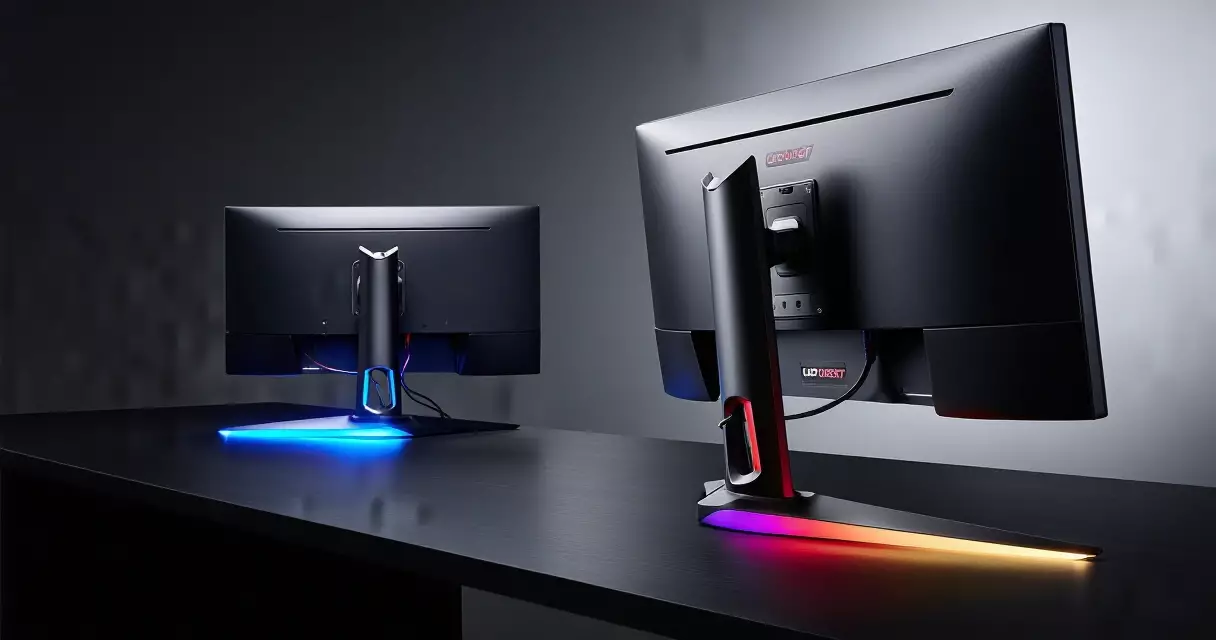
ROG stands are larger and more angular, often with an RGB-lit logo projected onto the desk. Build quality is high on both sides, though the ROG chassis can dominate a smaller space. Buyers who mount on a monitor arm will not care, since the VESA pattern is standard on both brands. Anyone keeping the included stand should measure desk depth before committing to a ROG model.
Both brands ship matte or semi-glossy anti-reflective coatings on their OLED panels. The finish handles ambient light reasonably well, but neither is fully glare-proof. Positioning the screen away from direct windows still matters, a point that also affects eye comfort, which we cover in the section below.
Pricing, value and running costs
Pricing is the clearest practical difference. Alienware has consistently undercut comparable ROG OLED models at launch, often by a wide margin, based on each brand’s announced US pricing. The 1440p 360Hz Alienware launched well below the 480Hz ROG flagship, and Dell’s frequent direct-store discounts widen the gap further during sale periods.
Running costs are modest for OLED desktop monitors, but they are not zero. Displays in the United States can carry ENERGY STAR certification, which sets efficiency criteria documented on the program’s displays page, and the US Department of Energy’s energy-saving resources explain how screen brightness and standby behavior drive power draw. Lowering peak brightness and enabling sleep timers trims consumption on either brand.
| Factor | Dell (Alienware) | ASUS ROG |
|---|---|---|
| Typical OLED flagship price | Lower at launch | Higher, premium-positioned |
| Standard warranty | 3 years, includes OLED burn-in coverage | 3 years, includes OLED burn-in coverage |
| Model range breadth | Narrow, focused lineup | Wide, many tiers |
| Feature density | Streamlined | Maximal |
| Sale frequency | Frequent Dell-store discounts | Varies by retailer |
Value is not only about the sticker. ASUS justifies its premium with higher refresh ceilings, a fan-cooled panel on some models and a deeper feature set. Dell justifies its lower price with a strong panel, clean design and a service network that many US buyers already trust from previous laptop or desktop purchases.
Warranty, support and reliability
Both brands now cover OLED burn-in within their standard three-year warranties on flagship monitors, which removes the single biggest worry buyers had about early OLED screens. That coverage is a meaningful reason to buy a current-generation panel rather than a used or older model without it.
Support experience differs by company structure. Dell handles Alienware service through its established US support channels, with advance-exchange options on many products. ASUS support is competent but historically more variable in user reports, and routing can depend on the retailer you bought from. Neither pattern is universal, so check current terms at purchase.
For deeper, model-specific testing, our hands-on reviews go further than this brand overview. The Alienware AW2725DF review details the 360Hz QD-OLED experience, while the ASUS ROG Swift OLED PG27AQDP review covers the 480Hz 1440p model in depth.
Which brand wins for you?
There is no single winner, because the two brands optimize for different buyers. Choose Alienware if you want a high-quality QD-OLED panel, a clean design and the lowest price for the performance, backed by a support network you may already know. The 360Hz flagship covers competitive and immersive gaming alike without overspending.
Choose ASUS ROG if you want the highest refresh ceiling, the deepest feature menu and extras such as panel cooling and a fuller port selection, and you are willing to pay a premium for them. Competitive players who can drive 480 frames per second at 1440p gain the most from the ROG advantage.
If you are still deciding on resolution, refresh and panel type before picking a brand at all, start with our broader gaming monitor buyer’s guide for 2026, then return here to match a specific Alienware or ROG model to that shortlist.
Frequently asked questions
Are Alienware monitors made by Dell?
Yes. Alienware is a gaming sub-brand owned by Dell, which acquired the company in 2006 according to Wikipedia’s corporate history. The monitors are engineered, sold and supported through Dell’s organization, and they share Dell’s US warranty and service infrastructure. That ownership is part of why Alienware can price its OLED displays aggressively and offer advance-exchange support on many products. In practice, buying an Alienware monitor means buying a Dell product with dedicated gaming design and a separate brand identity, rather than a separate company’s hardware.
Is ASUS ROG better than Alienware for competitive gaming?
For pure refresh ceiling, ROG often leads, with 480Hz and even 540Hz panels on parts of the lineup per ASUS specifications, compared with Alienware flagships at 360Hz. That edge only matters if your graphics card produces frame rates near those numbers at your chosen resolution. Because both brands use near-instant OLED response of about 0.03ms gray-to-gray, the felt difference is smaller than the headline gap. Many competitive players are well served by the cheaper Alienware option, while those chasing every last frame and willing to pay more lean ROG.
Do both brands cover OLED burn-in under warranty?
Current flagship OLED monitors from both Dell (Alienware) and ASUS ROG include burn-in coverage within their standard three-year warranties, based on each brand’s US warranty documentation. That coverage addresses the main long-term concern buyers have about OLED panels. Both brands also build in automatic care features such as pixel-shift, periodic panel-refresh cycles and logo dimming, which reduce the chance of image retention in the first place. You should leave these enabled and confirm the exact warranty terms at the point of purchase, since coverage details can change between model generations and regions.
Which brand offers better value for money?
Alienware generally offers the lower price for comparable OLED performance, frequently undercutting equivalent ROG models at launch and through Dell-store discounts. ASUS justifies its higher pricing with extras such as a higher refresh ceiling, active panel cooling on some models and a denser feature menu. Value therefore depends on what you use. If you want strong picture quality and smooth motion for the least money, Alienware tends to win. If you want maximum specifications and adjustability and will use those extras, the ROG premium can be worth it. Watch sale cycles on both, since real-world prices shift often.
Do Alienware and ROG monitors work with both NVIDIA and AMD cards?
Yes. The current flagships from both brands certify as G-Sync Compatible and as AMD FreeSync Premium Pro, so adaptive sync works whether you run an NVIDIA or AMD graphics card. Variable refresh rate matches the display refresh to your frame output to remove tearing and stutter, as documented in Wikipedia’s variable refresh rate article. You do not need to match the monitor brand to your GPU brand. Just enable the matching sync option in your graphics driver and in the monitor menu, then confirm it is active in the display’s on-screen information panel.
Are these OLED gaming monitors bad for your eyes?
No display is inherently harmful in normal use, but long sessions cause digital eye strain regardless of brand. The US Centers for Disease Control and Prevention publishes workplace ergonomics guidance that supports regular breaks and proper screen positioning. A common practice is the 20-20-20 routine: every 20 minutes, look at something 20 feet away for 20 seconds. OLED panels are flicker-free at most brightness levels, which helps, and lowering peak brightness in a dark room reduces fatigue. Our article on whether gaming monitors damage your eyes covers blue light and setup in more detail.
Should I pick QD-OLED or WOLED between these brands?
Both panel types deliver true black and excellent contrast, so either is a strong choice. QD-OLED, used on Alienware flagships, tends to offer slightly richer color volume and can look brighter in colorful scenes. WOLED, used on several ROG models including the 480Hz tandem panel, can reach high brightness and adds longevity benefits. The visible differences are subtle in games and are smaller than the gap between any OLED and an older LCD. Text fringing patterns differ slightly between the two, so heavy desktop and office users may want to view both in person before deciding.
Related Reading
- Gaming Monitors Explained: Specs, Tech & Top Picks 2026
- 1080p vs 1440p vs 4K: Best Gaming Resolution?
- Are Gaming Monitors Bad for Your Eyes? Blue Light & Setup
- Best Gaming Monitor Settings for Competitive FPS Players
- G-Sync vs FreeSync: Adaptive Sync for Tear-Free Gaming
- Gaming Monitor Troubleshooting: Flicker, Black Screens & More
- How to Calibrate a Gaming Monitor for Color & Low Lag
- IPS vs VA vs TN vs OLED: Gaming Monitor Panels Compared
- Refresh Rate vs Response Time: Why Both Decide Game Feel
- Alienware AW2725DF Review: 360Hz QD-OLED Tested
- ASUS ROG Swift OLED PG27AQDP Review: 480Hz 1440p OLED
- Gigabyte M27Q Review: 1440p 170Hz Value With KVM
- LG UltraGear 27GR95QE-B Review: The OLED Sweet Spot?
- MSI MAG 274QRF QD E2 Review: Budget 1440p 180Hz Monitor
- Samsung Odyssey OLED G9 Review: Is the 49-Inch Worth It?
Sources
- Wikipedia, OLED – https://en.wikipedia.org/wiki/OLED
- Wikipedia, Refresh rate – https://en.wikipedia.org/wiki/Refresh_rate
- Wikipedia, Response time (technology) – https://en.wikipedia.org/wiki/Response_time_(technology)
- Wikipedia, Variable refresh rate – https://en.wikipedia.org/wiki/Variable_refresh_rate
- Wikipedia, High-dynamic-range television – https://en.wikipedia.org/wiki/High-dynamic-range_television
- ENERGY STAR, Displays – https://www.energystar.gov/products/displays
- US Department of Energy, energy-saving resources – https://www.energy.gov/energysaver/lighting-choices-save-you-money
- US Centers for Disease Control and Prevention, NIOSH ergonomics – https://www.cdc.gov/niosh/
Further reading
Gaming Laptop Buyer’s Guide: Performance, Portability & Best Models