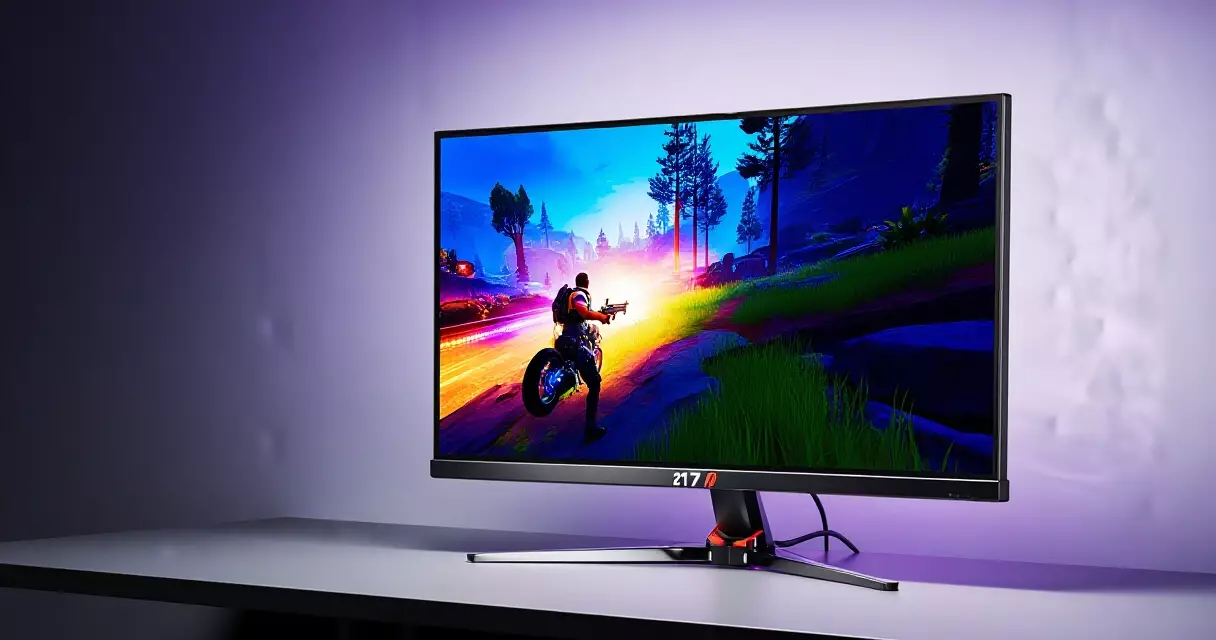
Summary
A 27-inch monitor that pairs a 2560 x 1440 resolution with a 180Hz refresh rate and a Quantum Dot color layer used to sit comfortably above the $400 mark. The MSI MAG 274QRF QD E2 lands well under that, and...
Table of contents
- 1 MSI MAG 274QRF QD E2 at a glance
- 2 The MAG line: where this monitor comes from
- 3 Panel and image quality: Rapid IPS meets Quantum Dot
- 4 Refresh rate, response time, and motion clarity
- 5 HDR, brightness, and contrast realities
- 6 Connectivity, stand, and build
- 7 Gaming performance across genres
- 8 How it compares to rivals
- 9 Pricing and value
- 10 Who should buy the MSI MAG 274QRF QD E2
- 11 Frequently asked questions
- 11.1 Is the MSI MAG 274QRF QD E2 good for competitive gaming?
- 11.2 What is the difference between the 274QRF QD and the E2 version?
- 11.3 Does this monitor support HDR properly?
- 11.4 Can I use the MSI MAG 274QRF QD E2 with a PS5 or Xbox Series X?
- 11.5 Is 1440p at 27 inches sharp enough for everyday use?
- 11.6 Should I enable the sRGB clamp mode?
- 11.7 Does the MSI MAG 274QRF QD E2 have a height-adjustable stand?
- 12 Related Reading
- 13 Sources
A 27-inch monitor that pairs a 2560 x 1440 resolution with a 180Hz refresh rate and a Quantum Dot color layer used to sit comfortably above the $400 mark. The MSI MAG 274QRF QD E2 lands well under that, and according to MSI’s published specifications it covers roughly 97% of the DCI-P3 color space while holding a refresh rate that competitive players actually feel. That combination is the whole pitch, and it raises an obvious question for anyone shopping the mid-range: is this the value sweet spot for 1440p gaming in 2026, or are the corners cut where it counts?
This review breaks down the panel, the motion handling, the HDR claims, the connectivity, and the real-world gaming feel, then sets the monitor against its closest rivals so you can see where your money goes. Numbers are attributed throughout, and the standards behind terms like DisplayHDR 400 and DCI-P3 link out to neutral references rather than marketing pages.
MSI MAG 274QRF QD E2 at a glance
Before the deep read, here is the short version. The MAG 274QRF QD E2 is a 27-inch flat IPS panel with a Quantum Dot film, a 180Hz ceiling, adaptive sync on both AMD and NVIDIA hardware, and a fully adjustable stand. The table below collects the headline figures from MSI’s official specification sheet.
| Specification | MSI MAG 274QRF QD E2 |
|---|---|
| Screen size | 27 inches, flat |
| Resolution | 2560 x 1440 (QHD / 1440p) |
| Panel type | Rapid IPS with Quantum Dot |
| Refresh rate | 180Hz |
| Response time | 1ms GtG (MSI rating) |
| Color gamut | ~97% DCI-P3 / ~145% sRGB (MSI rating) |
| Brightness | 300 cd/m² typical, 400 cd/m² HDR peak |
| HDR | VESA DisplayHDR 400 |
| Contrast | 1000:1 static |
| Adaptive sync | AMD FreeSync Premium, G-Sync Compatible |
| Ports | 2x HDMI 2.0b, 1x DisplayPort 1.4a, 1x USB-C (DP Alt, 15W) |
| Ergonomics | Height, tilt, swivel, pivot; VESA 100×100 |
| Launch price | ~$269 USD |
If those lines already tell you what you need, the verdict is near the end. For everyone weighing trade-offs, the sections below explain what each number means in practice and where the panel earns or loses points. For a refresher on how these figures fit together, our guide to gaming monitor specs and technologies is a useful companion read.
The MAG line: where this monitor comes from
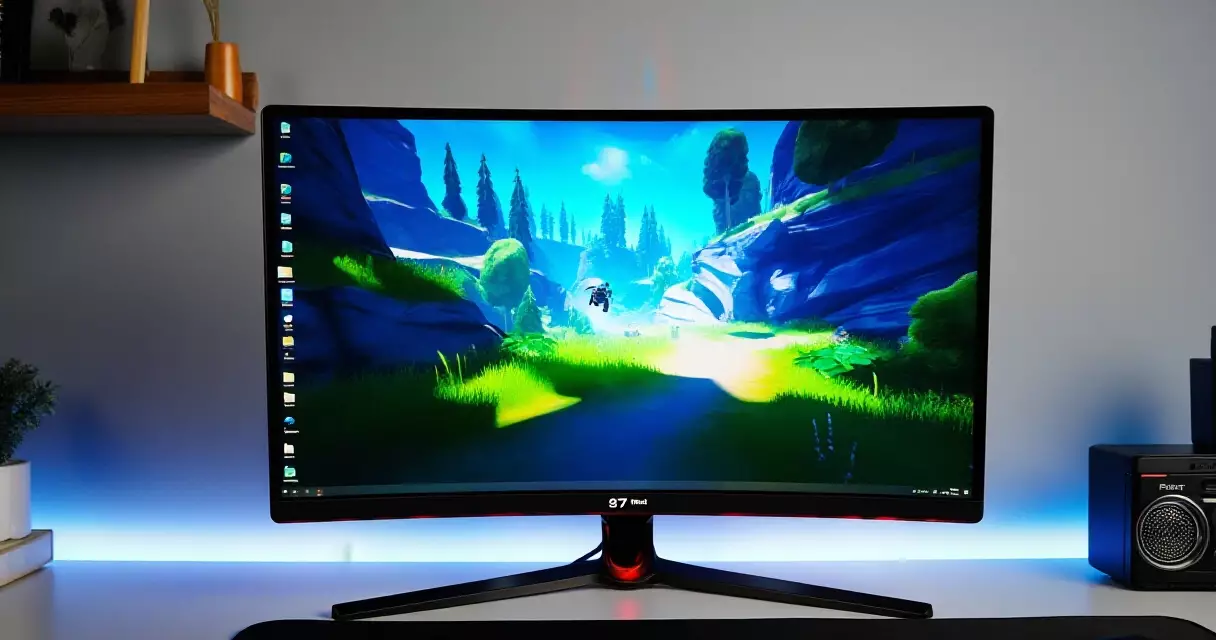
MSI splits its monitors into tiers. The MPG and MEG ranges chase enthusiasts with OLED panels and premium features, while the MAG line targets the value buyer who still wants serious performance. The original MAG 274QRF QD set the template a few years back: a 1440p Rapid IPS panel with Quantum Dot color and a 170Hz refresh rate at a price that undercut most wide-gamut rivals.
The E2 revision keeps that DNA and sharpens it. MSI bumped the refresh ceiling to 180Hz, refreshed the firmware and on-screen menu, and kept the Quantum Dot film that separates this model from cheaper sRGB-only IPS screens. Quantum dots are nanocrystals that emit precise wavelengths of light when excited, which lets a backlit display reach a wider, more saturated color range; the underlying physics is summarized well on the Wikipedia entry on quantum dot displays. That single layer is why the E2 can quote DCI-P3 figures that budget panels rarely touch.
The naming matters when you shop. “QD” signals the Quantum Dot version, and “E2” marks this second-generation revision with the higher refresh rate. Older listings without the E2 suffix are the 170Hz model, and they sometimes sell for less, so check the exact string before you buy.
Panel and image quality: Rapid IPS meets Quantum Dot
IPS panels are prized for two things: wide viewing angles and accurate color. The trade-off has always been contrast, since IPS struggles to produce deep blacks compared with VA or OLED. MSI rates this screen at 1000:1 static contrast, which is typical for the technology and means dark scenes look more gray than inky in a dim room. If panel behavior is new to you, our breakdown of IPS, VA, TN, and OLED panels explains why each type behaves the way it does.
Color is where the 274QRF QD earns its name. The Quantum Dot layer pushes coverage to roughly 97% of DCI-P3 and around 145% of sRGB by MSI’s measurement, which is wide-gamut territory. DCI-P3 is the color space used for digital cinema and increasingly for HDR games, and it is noticeably larger than the older sRGB standard; the Wikipedia reference on DCI-P3 lays out exactly how much bigger. In practice that means reds and greens look richer than they would on a plain office IPS panel, and content mastered for wide gamut shows the extra saturation rather than clipping it.
Out of the box, wide-gamut panels often oversaturate standard sRGB content because there is no color management forcing them down. The 274QRF QD includes an sRGB clamp mode in its menu, which tames the saturation for everyday desktop work and SDR video. Anyone who wants neutral tones should enable it, and anyone chasing print-accurate color should still profile the display. Our walkthrough on calibrating a gaming monitor covers the practical steps.
Sharpness at 27 inches and 1440p sits around 109 pixels per inch, a density that keeps text crisp without forcing display scaling the way 4K at this size does. That pixel pitch is one reason 1440p remains the popular middle ground for gaming desks. The resolution debate is laid out in our comparison of 1080p, 1440p, and 4K if you are still choosing a target.
Refresh rate, response time, and motion clarity
The 180Hz ceiling is the headline upgrade over the original 170Hz model. Refresh rate measures how many times per second the panel redraws the image, and a higher number reduces the visual gap between frames; the concept is defined plainly in the Wikipedia article on refresh rate. The jump from 170Hz to 180Hz is small in raw terms, roughly a 6% increase, so do not expect a transformed experience over the older unit. The difference against a 60Hz or 144Hz display, on the other hand, is immediately obvious in fast camera pans.
MSI rates the panel at 1ms gray-to-gray response, a marketing figure measured at the most favorable overdrive setting. Rapid IPS is MSI’s branding for a faster-switching IPS variant, and in practice it delivers clean motion with mild, controllable overshoot. Refresh rate and response time are separate measurements that both shape how a game feels, a distinction we unpack in refresh rate versus response time. The short version: a high refresh rate with sloppy pixel response still smears, and this panel mostly avoids that trap on its middle overdrive mode.
Pushing overdrive to its maximum introduces inverse ghosting, a bright trailing artifact, so the balanced setting is the one to use. For players who want every advantage in shooters, dialing in the right overdrive and disabling unnecessary processing matters, and our notes on competitive monitor settings apply directly here.
HDR, brightness, and contrast realities
The 274QRF QD E2 carries a VESA DisplayHDR 400 certification. That tier requires a peak luminance of at least 400 cd/m² and wide color support, but it does not mandate local dimming, which is the feature that makes HDR genuinely impactful. The exact requirements for each tier are published by the standards body at the VESA DisplayHDR performance criteria page. DisplayHDR 400 is best understood as a baseline badge rather than a premium HDR experience.
Because this is an edge-lit IPS panel without zone dimming, HDR content gains some extra highlight punch but cannot produce the deep contrast that gives HDR its drama. Blacks stay at the panel’s native 1000:1 level regardless of the HDR signal. The practical advice is simple: leave HDR off for most SDR games and desktop use, and switch it on selectively for titles that are genuinely mastered for it. Treating DisplayHDR 400 as a bonus rather than a buying reason keeps expectations honest.
Peak brightness of around 400 cd/m² is plenty for a typical room and comfortable for SDR work at the 300-nit typical figure MSI quotes. In a bright, sunlit space the panel can feel a touch dim during HDR highlights, but glare control and a sensible desk position matter more than raw nits for daily comfort. Eye strain has more to do with setup, breaks, and ambient lighting than with the monitor badge, a point covered in our piece on gaming monitors and eye health.
Connectivity, stand, and build
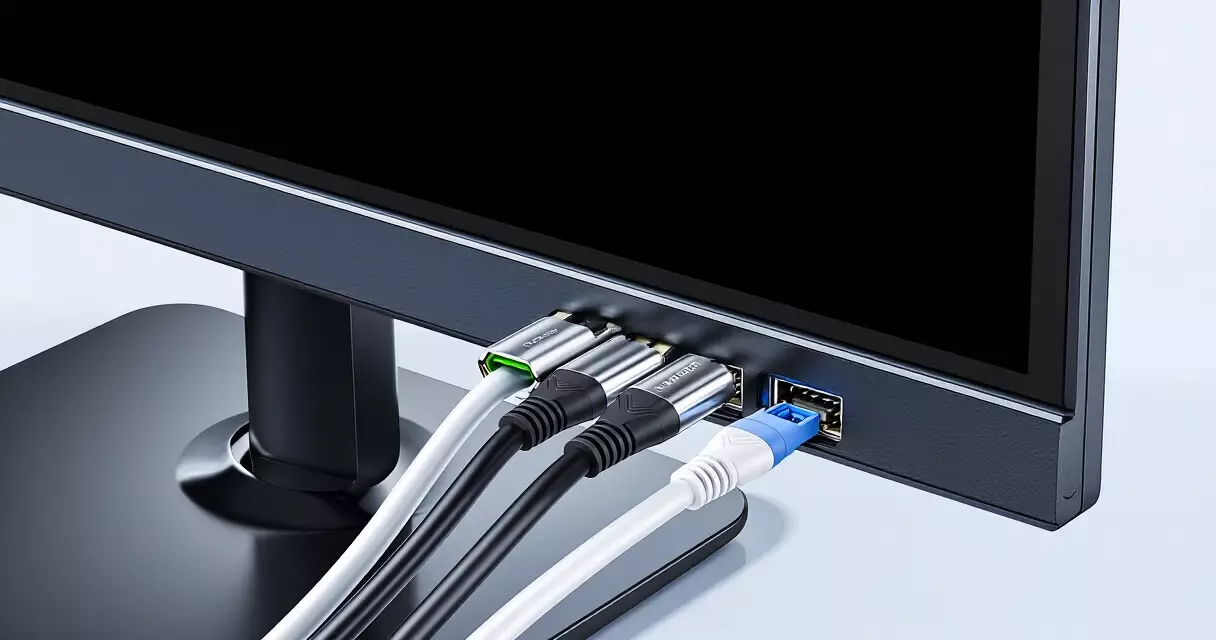
Inputs are sensible for the price. You get two HDMI 2.0b ports, one DisplayPort 1.4a, and a USB-C connection that carries DisplayPort Alternate Mode video plus 15W of power delivery. DisplayPort 1.4a is the port to use for the full 180Hz at 1440p, since HDMI 2.0 has tighter bandwidth limits. The USB-C input is a genuine convenience for laptop owners who want a single cable for video and light charging, though 15W will not power a gaming laptop.
The stand is a clear strength. MSI fits full ergonomic adjustment here, with height, tilt, swivel, and pivot, which is not guaranteed at this price. Many budget rivals ship tilt-only stands and reserve height adjustment for pricier models. A 100×100 VESA pattern on the back lets you swap to an arm or wall mount when desk space is tight. Build is mostly matte plastic, which is unremarkable but solid, with thin bezels on three sides.
Adaptive sync covers both camps. The panel is certified as AMD FreeSync Premium and validated as NVIDIA G-Sync Compatible, so it can run a tear-free variable refresh window on either brand of GPU. FreeSync Premium also requires low-framerate compensation, which keeps sync working when frame rates dip below the panel’s floor. The differences between the two sync standards are explained in our G-Sync versus FreeSync comparison.
Gaming performance across genres
In fast shooters, the 180Hz refresh and Rapid IPS response give a clean, responsive picture. Tracking targets across the screen stays sharp on the balanced overdrive mode, and the low input lag typical of this class keeps aim feeling direct. A mid-range GPU can usually feed 1440p at well over 120 frames per second in competitive titles, which sits comfortably inside the panel’s sync window.
For single-player and open-world games, the Quantum Dot color is the standout. Saturated environments, neon lighting, and stylized art direction all benefit from the wider gamut, and the wide IPS viewing angles keep color consistent across the screen. The contrast ceiling shows itself in dark dungeon scenes or space games, where blacks look gray rather than truly deep, which is the expected IPS compromise rather than a flaw unique to this model.
Console players are well served too. The HDMI 2.0b ports handle 1440p at up to 120Hz from a PlayStation 5 or Xbox Series X, so current consoles can take advantage of the higher refresh rate even if they cannot reach the full 180Hz the panel offers over DisplayPort. If your screen ever behaves oddly during these mode switches, our monitor troubleshooting guide covers the usual flicker and black-screen fixes.
How it compares to rivals
The 274QRF QD E2 competes in a crowded 27-inch 1440p category. Its closest matchups are other fast IPS panels around the same price, while OLED models sit a clear tier above in both image quality and cost. The table below frames the trade-offs against representative alternatives, with figures drawn from each maker’s published specifications.
| Model | Panel | Refresh | HDR tier | Approx. price |
|---|---|---|---|---|
| MSI MAG 274QRF QD E2 | Rapid IPS + QD | 180Hz | DisplayHDR 400 | ~$269 |
| LG UltraGear 27GR95QE-B | OLED | 240Hz | DisplayHDR True Black 400 | ~$700 |
| ASUS ROG Swift OLED PG27AQDP | WOLED | 480Hz | True Black 400 | ~$800 |
| Alienware AW2725DF | QD-OLED | 360Hz | True Black 400 | ~$550 |
The takeaway is that the MSI is not trying to beat OLED on contrast or refresh rate. It is trying to deliver most of the color and a high-enough refresh rate for a fraction of the money. Against the OLED field, it gives up the perfect blacks, the higher refresh ceilings, and the near-instant pixel response. In return it costs roughly a third to a half as much, has no burn-in risk, and reaches brighter sustained full-screen luminance, which still matters for bright SDR desktop work.
If you are cross-shopping the premium options reviewed elsewhere on the site, the LG UltraGear 27GR95QE-B review shows what the next price tier buys. Brand strategy also differs across makers, a topic explored in our look at Alienware versus ASUS ROG monitors.
Pricing and value
At a launch price near $269, the 274QRF QD E2 undercuts most wide-gamut 1440p competitors while matching them on the features that matter day to day. The value case rests on three pillars: Quantum Dot color that budget panels skip, a 180Hz refresh rate that competitive players will appreciate, and a fully adjustable stand that many rivals omit. Few monitors at this price hit all three.
Sales frequently push the street price lower, and during seasonal events the previous 170Hz model can drop further still. If you find the older non-E2 unit at a steep discount, the 10Hz refresh gap is small enough that the savings may be the better deal for most players. Watch the exact model string and the active discount before deciding, since pricing in this segment shifts week to week.
Who should buy the MSI MAG 274QRF QD E2
This monitor suits the player who wants a vivid, fast 1440p experience without paying OLED money. Mixed users who game, browse, and occasionally edit photos or video will appreciate the wide gamut paired with the sRGB clamp for accurate everyday work. Console owners and laptop users gain real convenience from the 120Hz HDMI support and the single-cable USB-C input.
It is the wrong pick for two groups. Players who crave the inky contrast and instant response of OLED, and who have the budget for it, should step up to a True Black 400 panel instead. Anyone working in cinema-dark rooms where black levels dominate the experience will find the 1000:1 IPS contrast limiting. For everyone in between, this is one of the strongest value propositions in the 27-inch 1440p class, and it earns a confident recommendation on price-to-performance alone.
Frequently asked questions
Is the MSI MAG 274QRF QD E2 good for competitive gaming?
Yes, it holds up well for most competitive play. The 180Hz refresh rate and Rapid IPS response give a clean, responsive image with low input lag, and the panel runs tear-free on both AMD FreeSync Premium and NVIDIA G-Sync Compatible setups. Serious esports professionals chasing the absolute lowest latency may prefer dedicated high-refresh 1080p or OLED panels that push 240Hz and beyond, but for the vast majority of competitive players this monitor is more than fast enough. Using the balanced overdrive setting rather than the maximum avoids inverse ghosting and keeps motion crisp during fast aim tracking.
What is the difference between the 274QRF QD and the E2 version?
The main difference is refresh rate. The original MAG 274QRF QD runs at 170Hz, while the E2 revision raises that ceiling to 180Hz and ships with updated firmware and on-screen menu software. Both share the same 27-inch 1440p Rapid IPS panel, the Quantum Dot color layer, and the wide-gamut DCI-P3 coverage. The 10Hz refresh gain is modest, roughly a 6% increase, so the two models feel very similar in everyday use. If the older 170Hz version is significantly cheaper during a sale, it can be the smarter buy, since the performance difference between the two is small.
Does this monitor support HDR properly?
It carries a VESA DisplayHDR 400 certification, which is an entry-level HDR tier. That badge guarantees at least 400 cd/m² peak brightness and wide color support, but it does not require local dimming, the feature that produces genuinely impactful HDR contrast. Because this is an edge-lit IPS panel, HDR content gains a little extra highlight brightness but cannot deliver the deep blacks that make HDR dramatic. The honest advice is to treat DisplayHDR 400 as a small bonus rather than a buying reason. Leave HDR off for most games and desktop use, and switch it on only for titles clearly mastered for it.
Can I use the MSI MAG 274QRF QD E2 with a PS5 or Xbox Series X?
Yes. The two HDMI 2.0b ports support 1440p at up to 120Hz, so both the PlayStation 5 and the Xbox Series X can take advantage of high-refresh gaming on this panel. Current consoles cannot reach the full 180Hz, which is only available over DisplayPort 1.4a from a PC, but 120Hz is the practical ceiling these consoles target anyway. Color looks excellent thanks to the Quantum Dot wide gamut, and the adaptive sync support helps reduce tearing in supported titles. The fully adjustable stand also makes it easy to set a comfortable viewing height for couch-distance or desk play.
Is 1440p at 27 inches sharp enough for everyday use?
For most people, yes. A 27-inch screen at 2560 x 1440 works out to roughly 109 pixels per inch, which keeps text and game detail crisp without forcing the display scaling that a 4K panel of the same size usually needs. That density is why 1440p has become the popular middle ground between affordable 1080p and demanding 4K. You get noticeably more desktop space and detail than a 1080p monitor while keeping GPU requirements reasonable, so a mid-range graphics card can still drive high frame rates. If you sit very close or want the absolute sharpest text, 4K offers more, but at a higher price and performance cost.
Should I enable the sRGB clamp mode?
If you want accurate color for desktop work, browsing, or SDR video, then yes. Wide-gamut panels like this one tend to oversaturate standard sRGB content because there is no automatic color management pulling the colors back to the correct range. The built-in sRGB clamp in the on-screen menu restricts the panel to the sRGB color space, which makes everyday content look natural rather than artificially vivid. For gaming where punchy, saturated color is desirable, you can leave the clamp off and enjoy the full DCI-P3 range. Photo and video editors who need precise results should go a step further and profile the display with a hardware calibrator.
Does the MSI MAG 274QRF QD E2 have a height-adjustable stand?
It does, and this is one of its quiet advantages over rivals. The included stand offers full ergonomic adjustment, including height, tilt, swivel, and pivot into portrait orientation. Many budget monitors at this price ship with tilt-only stands and reserve height adjustment for more expensive models, so getting the full range here is a genuine value point. If you prefer a monitor arm or a wall mount, the back of the panel uses a standard 100×100 VESA mounting pattern, making it easy to swap the factory stand for a third-party solution when desk space is limited.
Related Reading
- Gaming Monitors Explained: Specs, Tech & Top Picks 2026
- 1080p vs 1440p vs 4K: Best Gaming Resolution?
- Are Gaming Monitors Bad for Your Eyes? Blue Light & Setup
- Best Gaming Monitor Settings for Competitive FPS Players
- G-Sync vs FreeSync: Adaptive Sync for Tear-Free Gaming
- Gaming Monitor Troubleshooting: Flicker, Black Screens & More
- How to Calibrate a Gaming Monitor for Color & Low Lag
- IPS vs VA vs TN vs OLED: Gaming Monitor Panels Compared
- Refresh Rate vs Response Time: Why Both Decide Game Feel
- Alienware AW2725DF Review: 360Hz QD-OLED Tested
- ASUS ROG Swift OLED PG27AQDP Review: 480Hz 1440p OLED
- Dell (Alienware) vs ASUS ROG Gaming Monitors Compared
- Gigabyte M27Q Review: 1440p 170Hz Value With KVM
- LG UltraGear 27GR95QE-B Review: The OLED Sweet Spot?
- Samsung Odyssey OLED G9 Review: Is the 49-Inch Worth It?
Sources
- Wikipedia, quantum dot display – https://en.wikipedia.org/wiki/Quantum_dot_display
- Wikipedia, DCI-P3 color space – https://en.wikipedia.org/wiki/DCI-P3
- Wikipedia, refresh rate – https://en.wikipedia.org/wiki/Refresh_rate
- VESA DisplayHDR performance criteria – https://displayhdr.org/performance-criteria/
Gaming Laptop Buyer’s Guide: Performance, Portability & Best Models