Summary
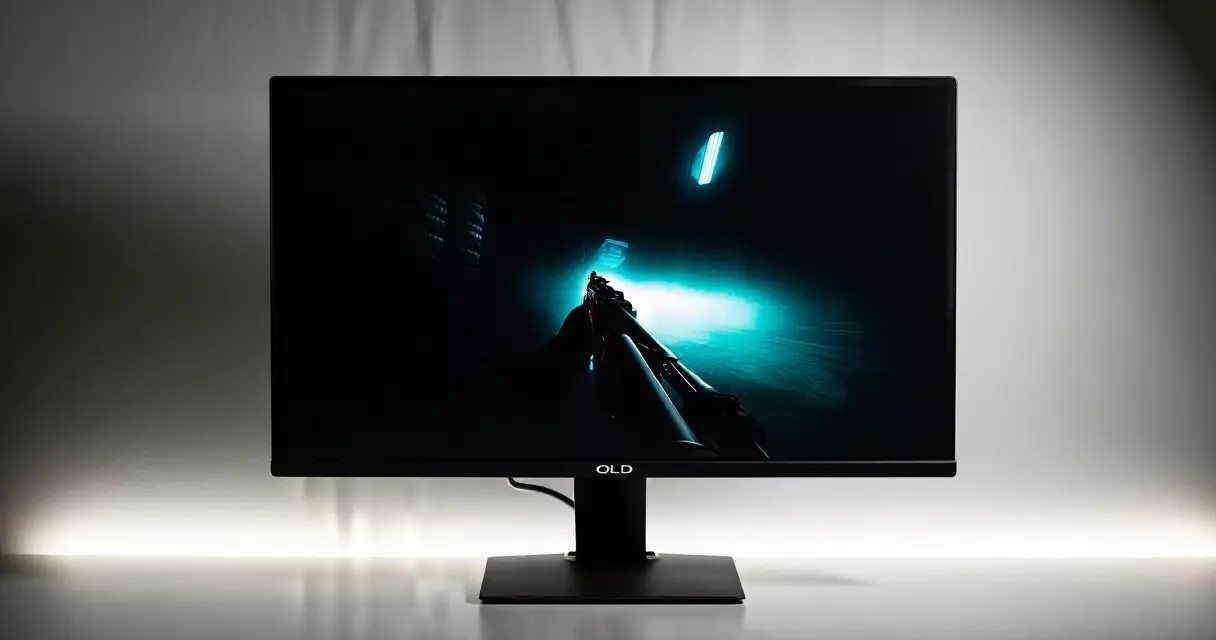
LG priced the UltraGear 27GR95QE-B at $999 when it shipped in early 2023, yet by the middle of 2026 the same WOLED panel routinely trades hands near $600 according to LG's own pricing history and current US retail listings. That...
Table of contents
- 1 The 27GR95QE-B in context: LG’s first OLED gaming push
- 2 Specifications at a glance
- 3 Panel and picture quality: what WOLED brings
- 4 Motion handling, refresh rate and response time
- 5 HDR, brightness and the coating question
- 6 Connectivity, stand and everyday use
- 7 Burn-in, longevity and warranty
- 8 How it stacks up against rivals
- 9 Pricing and value in 2026
- 10 Who should buy the 27GR95QE-B
- 11 Frequently asked questions
- 11.1 Is the LG 27GR95QE-B still worth buying in 2026?
- 11.2 Does the 27GR95QE-B suffer from burn-in?
- 11.3 Is 240Hz enough for competitive gaming?
- 11.4 How does it handle text and desktop work?
- 11.5 Does it work well with PS5 and Xbox Series X?
- 11.6 Matte or glossy: does the coating hurt image quality?
- 12 Related Reading
- 13 Sources
LG priced the UltraGear 27GR95QE-B at $999 when it shipped in early 2023, yet by the middle of 2026 the same WOLED panel routinely trades hands near $600 according to LG’s own pricing history and current US retail listings. That slide turned one of the first 27-inch 1440p OLED gaming displays into something far closer to a mainstream purchase. The headline figures still read like a halo product: a 240Hz refresh ceiling and a quoted 0.03ms gray-to-gray response time, both numbers published in LG’s specification sheet for the model.
The real question for buyers in 2026 is different. Does a panel engineered three years ago still deserve desk space now that 360Hz and 480Hz OLED rivals exist? This review walks through the specs, the picture, the motion handling, and the long-term ownership story, then sets the 27GR95QE-B against its closest competitors. If you are still deciding which numbers matter most, our breakdown of refresh rate versus response time is a useful primer before you read on.
The 27GR95QE-B in context: LG’s first OLED gaming push
LG Display had supplied large OLED TV panels for years before the company brought the technology to a desktop gaming size. The 27GR95QE-B, unveiled around CES 2023, used a 26.5-inch WOLED panel that paired self-emissive pixels with a 240Hz ceiling. At launch it sat alongside a 45-inch ultrawide sibling, and together they signaled that LG intended to compete directly with the QD-OLED panels Samsung Display had started shipping that same year.
Self-emissive technology matters here because each pixel produces its own light, so there is no backlight to leak. OLED panels switch individual pixels fully off, which is what produces the near-perfect blacks and effectively infinite contrast that reviewers consistently praised on this model. For gamers moving from an LCD, that jump in contrast is usually the first thing they notice, more than the refresh rate.
Three years on, the 27GR95QE-B occupies an interesting slot. It is no longer the fastest OLED you can buy, but it pioneered the 27-inch QHD OLED format that has since become the default recommendation for high-end gaming. Understanding why that format won out helps explain the monitor’s lasting appeal, and it ties directly into the trade-offs we cover in our guide to IPS, VA, TN and OLED panels.
Specifications at a glance
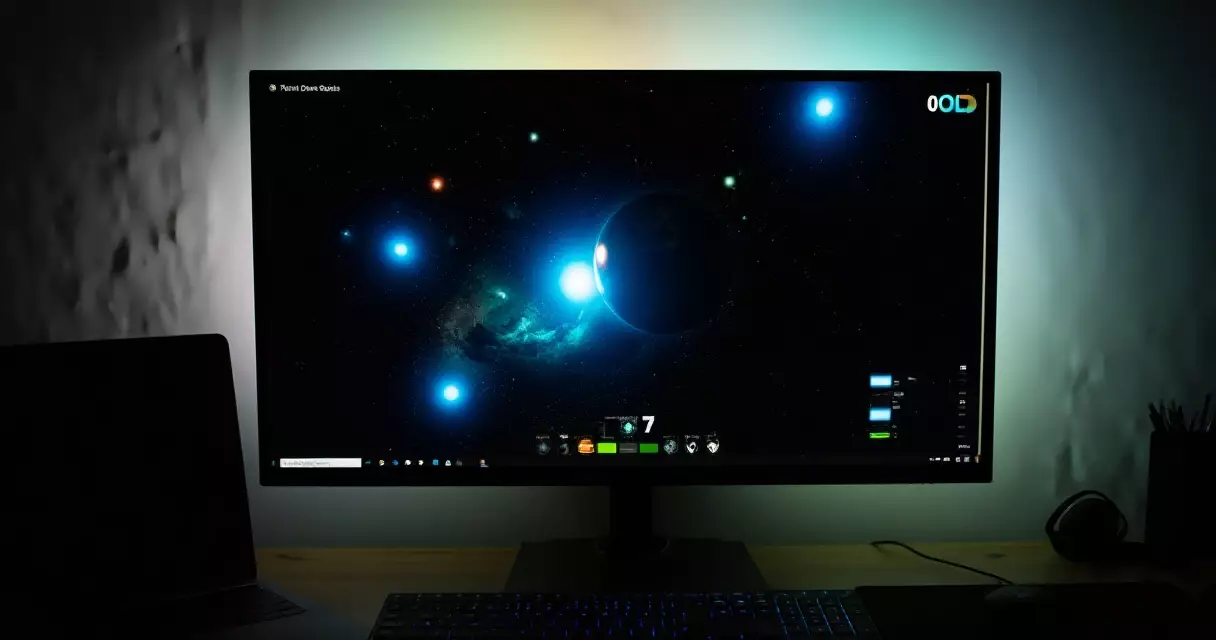
The table below collects the figures that define the monitor. Each performance number is drawn from LG’s published specification sheet unless noted, and the brightness range reflects the gap between full-screen output and small-window HDR peaks that independent labs have reported for WOLED panels of this generation.
| Specification | Detail |
|---|---|
| Panel type | WOLED (LG Display) |
| Screen size | 26.5 in (27 in class) |
| Resolution | 2560 × 1440 (QHD / 1440p) |
| Pixel density | Roughly 109 ppi |
| Refresh rate | 240 Hz |
| Response time | 0.03 ms GtG (LG spec) |
| Adaptive sync | NVIDIA G-SYNC Compatible, AMD FreeSync Premium |
| HDR certification | VESA DisplayHDR True Black 400 |
| Color gamut | 98.5% DCI-P3 (LG spec) |
| Brightness | About 200 nits full-screen SDR; up to roughly 800 nits HDR small window |
| Ports | 2× HDMI 2.1, 1× DisplayPort 1.4, USB hub, 3.5mm out |
| Stand adjustment | Tilt, height, swivel; 100×100 VESA |
| Screen coating | Anti-glare (matte) |
| Built-in speakers | None |
| Warranty (US) | 2 years, includes burn-in coverage |
Two details stand out. The 0.03ms response figure is roughly a hundred times faster than a typical fast IPS panel, which is a property of the OLED transition speed rather than marketing. The resolution choice also matters: at 26.5 inches, 1440p lands near 109 pixels per inch, a density that keeps games sharp without demanding the graphics horsepower a 4K panel would. If you are weighing resolutions, our look at 1080p versus 1440p versus 4K explains the GPU cost of each step.
Panel and picture quality: what WOLED brings
Picture quality is where this monitor earns its reputation. Because every pixel is its own light source, contrast is effectively unlimited, and dark scenes show no blooming around bright objects. Night levels in horror games, the void of space in a flight sim, and the shadow detail in cinematic titles all benefit. Reviewers in 2023 repeatedly described the contrast as the single biggest upgrade over LCD, and that has not changed.
Color coverage is strong too. LG rates the panel at 98.5% of the DCI-P3 gamut, the color space used for digital cinema, which gives saturated reds and greens the punch that HDR content expects. Out of the box the color temperature runs slightly cool, so a quick calibration tightens accuracy. Our walkthrough on calibrating a gaming monitor covers the exact steps if you want studio-accurate color rather than the vivid default.
There is one structural caveat to WOLED that buyers should understand. The panel adds a white subpixel alongside red, green and blue to boost brightness, which changes the subpixel layout compared with standard RGB stripe LCDs. On fine black-on-white text you may notice faint color fringing at the edges of letters. For gaming and media this is invisible, but heavy spreadsheet or coding use is where it shows up most.
Motion handling, refresh rate and response time
Motion is the other half of the OLED story. The 0.03ms pixel response means there is virtually no smearing trail behind moving objects, so fast pans stay clean even at 240Hz. LCD panels, even quick ones, leave a visible blur because their crystals take milliseconds to twist. OLED simply switches, and the difference is obvious the moment you flick a camera in an arena shooter.
At 240Hz the panel draws a fresh frame every 4.17 milliseconds. That ceiling is plenty for the vast majority of players, including most who play competitively at a high level. Esports professionals chasing the absolute lowest input lag have since moved to 360Hz and 480Hz OLEDs, but the gain past 240Hz is a matter of diminishing returns for the rest of us. If you want to dial in the sharpest competitive image, our notes on the best monitor settings for competitive FPS apply directly to this display.
Tear-free play is handled by both major standards. The monitor is NVIDIA G-SYNC Compatible and carries AMD FreeSync Premium, so it syncs its refresh rate to your GPU’s frame output across a wide range. Variable refresh rate removes the stutter and tearing that appear when frame rate and refresh rate drift apart. For a deeper look at which standard suits your card, see our comparison of G-Sync versus FreeSync.
HDR, brightness and the coating question
HDR is a genuine strength here, with one asterisk. The 27GR95QE-B holds VESA DisplayHDR True Black 400 certification, a tier that demands the deep black floor only emissive panels can hit, as defined in the VESA DisplayHDR standard. In small bright highlights the panel can push toward roughly 800 nits, which makes explosions and sunlight pop against those perfect blacks. The asterisk is full-screen brightness: a fully white image settles near 200 nits, so the monitor is happiest in a dim or moderately lit room rather than under direct sunlight.
Power draw follows the same pattern. Because OLED only lights the pixels it needs, a dark game scene sips electricity while a bright desktop draws more. Buyers who care about efficiency can cross-reference the ENERGY STAR displays program, which tracks typical monitor consumption and certifies low-power models. In practice the 27GR95QE-B’s variable draw is a quiet advantage over edge-lit LCDs that run their backlight at full tilt regardless of content.
Then there is the coating. LG fitted this model with an anti-glare matte finish rather than the glossy surface that later OLED monitors adopted. Matte diffuses reflections, which is helpful in a bright room, but it can lend blacks a faint grayish cast and slightly soften the image compared with glossy panels. Whether that trade is worth it depends on your lighting. In a controlled, darker setup, glossy looks punchier; in a window-lit office, the matte finish keeps reflections off your face.
Connectivity, stand and everyday use
The port selection is well suited to a mixed PC and console setup. Two full HDMI 2.1 inputs let a PlayStation 5 and an Xbox Series X stay plugged in at once, while DisplayPort 1.4 with Display Stream Compression drives the full 1440p at 240Hz from a PC. A small USB hub rounds things out, though there is no USB-C and no built-in speakers, so plan on a headset or external audio.
| Connection | Quantity | Notes |
|---|---|---|
| HDMI 2.1 | 2 | 4K/120 from consoles; 1440p/240 capable |
| DisplayPort 1.4 | 1 | Uses DSC for 1440p at 240Hz |
| USB-A downstream | 2 | Built-in hub for peripherals |
| USB-B upstream | 1 | Feeds the hub from your PC |
| Headphone out | 1 | 3.5mm; no internal speakers |
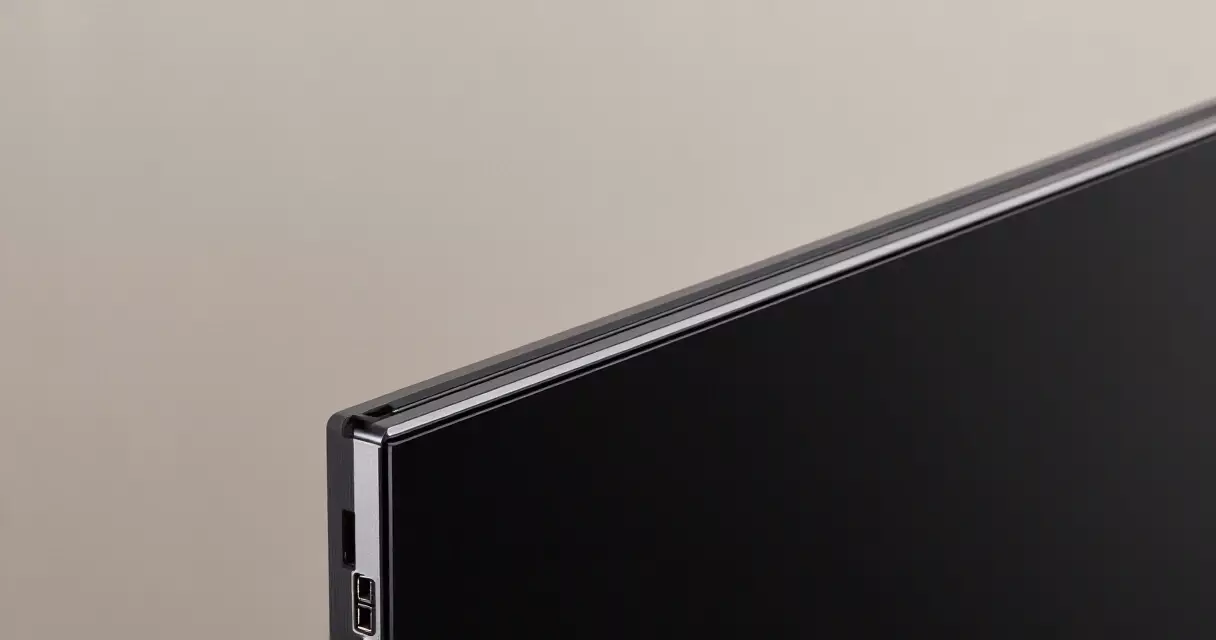
Ergonomics are solid for the class. The included stand offers tilt, swivel and height adjustment, and the panel is unusually thin thanks to the absence of a backlight layer. Standard 100×100 VESA mounting means an arm is a simple swap if you prefer a clamp. Build quality feels appropriately premium, with a clean rear and tidy cable routing that suits a visible setup.
Burn-in, longevity and warranty
No OLED review is honest without addressing permanent image retention. Screen burn-in happens when static elements, taskbars, HUDs or logos, are displayed for very long periods and gradually age those pixels unevenly. Modern panels mitigate this aggressively, and the 27GR95QE-B includes pixel-shifting, logo dimming and a periodic compensation cycle that runs when you power down.
For most gamers, real-world risk is low if you follow basic habits: hide the taskbar, use a screen saver, and avoid leaving a single static image on at full brightness for hours. Mixed use, gaming, browsing and video, ages the panel evenly and is rarely a problem. The heaviest risk profile is someone using the screen as a stationary productivity display with the same toolbars on screen all day.
LG backs the panel with a two-year warranty in the United States that explicitly covers burn-in, which was a meaningful reassurance at launch and remains so. That coverage effectively underwrites the technology for the period when most owners would notice a defect. If your screen ever shows uneven wear, flicker or retention, our guide to gaming monitor troubleshooting can help you decide whether it is a setting, a cable, or a warranty claim.
How it stacks up against rivals
The 27-inch QHD OLED category is crowded in 2026, so context matters. The table below sets the 27GR95QE-B against two common alternatives at the same panel size. Street prices vary by retailer and shift week to week, so treat them as a 2026 snapshot rather than fixed figures.
| Model | Panel | Resolution | Refresh | Response (GtG) | Approx. 2026 price |
|---|---|---|---|---|---|
| LG UltraGear 27GR95QE-B | 26.5 in WOLED | 2560×1440 | 240 Hz | 0.03 ms | ~$600 |
| ASUS ROG Swift PG27AQDP | 26.5 in WOLED (newer gen) | 2560×1440 | 480 Hz | 0.03 ms | ~$750–$900 |
| Samsung Odyssey OLED G6 | 27 in QD-OLED | 2560×1440 | 360 Hz | 0.03 ms | ~$700 |
The clearest internal comparison is with the ASUS ROG Swift OLED PG27AQDP, which doubles the refresh ceiling to 480Hz on a newer WOLED panel. If you play competitive shooters and want every advantage, that extra headroom is the reason to spend more, and our full ASUS ROG Swift PG27AQDP review details what 480Hz actually delivers. The Samsung Odyssey OLED G6 takes a different route with a QD-OLED panel and a glossy finish, trading the LG’s matte coating for punchier highlights in a dark room.
Against both, the 27GR95QE-B’s pitch is value. It gives up refresh-rate headroom and the newest panel revision, but it delivers the same emissive contrast and the same near-instant response at a noticeably lower price. For players who do not need 360Hz or more, that gap is the entire argument.
Pricing and value in 2026
Pricing is the model’s strongest card. Against the $999 launch MSRP that LG set in 2023, the roughly $600 street price common in 2026 represents close to a 40% drop. That repositioning is what moves the 27GR95QE-B out of enthusiast-only territory. You are buying a mature, well-understood panel at the point in its life when supply is steady and discounts are frequent.
Value, of course, depends on your priorities. Someone who games in a bright room and wants the cleanest blacks for the least money will find this an easy recommendation. A competitive player who measures wins in milliseconds may prefer to put the difference toward a 480Hz panel instead. Both choices are defensible, and the right answer follows from how you actually play rather than the spec sheet alone.
Who should buy the 27GR95QE-B
This monitor suits the gamer who wants OLED contrast and motion clarity without paying the premium attached to the newest, fastest panels. Single-player and story-driven players gain the most from the perfect blacks and rich color, while fast-paced multiplayer players still get a 240Hz ceiling that handles competitive titles comfortably. The matte coating makes it a sensible pick for rooms with windows or overhead lighting.
It is a weaker fit in two cases. Heavy productivity users who stare at static text all day face both the subpixel text rendering quirk and a slightly higher burn-in risk profile. And esports specialists chasing the lowest possible input lag will want one of the 360Hz or 480Hz options instead. For everyone in between, the 27GR95QE-B remains one of the better-balanced OLED gaming buys of its generation. If eye comfort during long sessions is a concern, our piece on whether gaming monitors harm your eyes covers setup habits that help.
Frequently asked questions
Is the LG 27GR95QE-B still worth buying in 2026?
For most gamers, yes. The panel is three years old, but the qualities that made it strong, emissive contrast, near-perfect blacks and a 0.03ms response time, do not age the way refresh-rate ceilings do. At a street price near $600 versus its $999 launch MSRP, it delivers genuine OLED picture quality for the cost of a high-end LCD. The main reasons to skip it are if you specifically need 360Hz or more for competitive play, or if you plan to use it primarily as an all-day productivity display where text rendering and burn-in risk matter more.
Does the 27GR95QE-B suffer from burn-in?
Burn-in is possible on any OLED, but the practical risk for a gamer is low. The monitor runs pixel-shifting, logo dimming and a compensation cycle on power-down to spread wear evenly. If you vary your content, hide the taskbar, and avoid leaving one bright static image on screen for hours, you are unlikely to see retention during normal ownership. LG also covers burn-in under its two-year US warranty, which removes much of the financial risk. The highest-risk users are those who keep identical toolbars and HUD elements on screen at full brightness all day, every day.
Is 240Hz enough for competitive gaming?
For the vast majority of players, 240Hz is more than enough. At that rate the panel refreshes every 4.17 milliseconds, and the OLED response time means there is no smearing on top of that. Combined with G-SYNC and FreeSync support, motion stays clean and tear-free. Professional esports players have moved to 360Hz and 480Hz panels to shave the last fractions of input lag, but the perceptible benefit beyond 240Hz shrinks quickly for everyone else. Unless you compete at a level where those milliseconds translate to ranking, 240Hz on an OLED will feel exceptionally responsive.
How does it handle text and desktop work?
Desktop use is fine for browsing, email and casual work, but the WOLED subpixel layout adds a white subpixel that can cause faint color fringing on small black-on-white text. You may notice it on fine fonts in documents and code editors, though it disappears in games, video and most media. Adjusting Windows ClearType and bumping font size helps. If your daily routine is dominated by spreadsheets, long-form writing or programming, an IPS panel will render text more cleanly. As a gaming-first display that occasionally handles productivity, the 27GR95QE-B is perfectly usable.
Does it work well with PS5 and Xbox Series X?
Yes. The monitor includes two HDMI 2.1 inputs, so a PlayStation 5 and an Xbox Series X can stay connected at the same time. Both consoles output 1440p, and the panel supports variable refresh rate over HDMI for tear-free play. The OLED contrast and HDR really shine on console titles built for cinematic visuals. Keep in mind there are no built-in speakers, so you will need a headset, soundbar or the console’s audio out for sound. For competitive console shooters, the low input lag and fast response make this a strong companion to a current-generation system.
Matte or glossy: does the coating hurt image quality?
The 27GR95QE-B uses an anti-glare matte coating, which is a trade-off rather than a flaw. Matte diffuses reflections, so it performs better in bright rooms or near windows. The cost is that it can give blacks a slightly grayish cast and soften the image a touch compared with the glossy panels found on some newer OLEDs. In a dark, controlled setup, glossy looks marginally punchier; in a lit room, matte is the more comfortable choice. Neither approach is objectively better, and your room lighting should decide which finish you prefer.
Related Reading
- Gaming Monitors Explained: Specs, Tech & Top Picks 2026
- 1080p vs 1440p vs 4K: Best Gaming Resolution?
- Are Gaming Monitors Bad for Your Eyes? Blue Light & Setup
- Best Gaming Monitor Settings for Competitive FPS Players
- G-Sync vs FreeSync: Adaptive Sync for Tear-Free Gaming
- Gaming Monitor Troubleshooting: Flicker, Black Screens & More
- How to Calibrate a Gaming Monitor for Color & Low Lag
- IPS vs VA vs TN vs OLED: Gaming Monitor Panels Compared
- Refresh Rate vs Response Time: Why Both Decide Game Feel
- Alienware AW2725DF Review: 360Hz QD-OLED Tested
- ASUS ROG Swift OLED PG27AQDP Review: 480Hz 1440p OLED
- Dell (Alienware) vs ASUS ROG Gaming Monitors Compared
- Gigabyte M27Q Review: 1440p 170Hz Value With KVM
- MSI MAG 274QRF QD E2 Review: Budget 1440p 180Hz Monitor
- Samsung Odyssey OLED G9 Review: Is the 49-Inch Worth It?
Sources
- OLED display technology – https://en.wikipedia.org/wiki/OLED
- 1440p resolution – https://en.wikipedia.org/wiki/1440p
- DCI-P3 color space – https://en.wikipedia.org/wiki/DCI-P3
- Variable refresh rate – https://en.wikipedia.org/wiki/Variable_refresh_rate
- Screen burn-in – https://en.wikipedia.org/wiki/Screen_burn-in
- VESA DisplayHDR standard – https://vesa.org/displayhdr/
- ENERGY STAR displays program – https://www.energystar.gov/products/displays
Gaming Laptop Buyer’s Guide: Performance, Portability & Best Models